Let Me Paint the Picture
I was sitting with a foundation repair owner at a coffee shop in Summerville, right off Main Street. He had mud on his work boots, three missed calls on his phone, and a stack of crumpled estimates in his truck.
He took a sip of coffee and said, “I don’t need more leads. I need less chaos.”
If you run or manage a foundation repair or structural company, I’m guessing that hits a little close to home. You’re juggling inspections, crews, materials, change orders, weather, engineers, nervous homeowners, and somehow also supposed to keep your books, answer every lead, and follow up on old quotes.
And that’s exactly where AI for foundation repair and structural companies is actually useful. Not the weird sci-fi stuff. Just boring, practical automation that helps you get your life back.
Let’s Get Honest for a Second
If you’re like most owners I talk to from Charleston to Greenville to Charlotte, your real problem isn’t that you can’t “do the work.”
Your real problem is:
- Leads slipping through the cracks because nobody followed up
- Handwritten notes you can’t read three days later
- Inspectors spending hours typing the same thing into reports
- Estimates stuck in drafts because “I’ll finish it tonight” (and then you don’t)
- Homeowners asking the same questions over and over about cracks, settling, and cost
That’s not a “you” problem. That’s a workflow problem.
And this is where simple ai workflow automation for small business actually makes sense for a foundation or structural company. Not to replace your judgment. Just to handle the copy-paste, reminder, follow-up, and paperwork parts that wear you down.
Let’s Break This Down
So what can AI do without blowing up your whole business or forcing you to change software right away?
Here are some very “non-fancy” business tasks you can automate with ai workflows, specifically for foundation and structural companies.
1. Lead Response So Fast It Feels Like Magic (But Isn’t)
Picture this. Someone fills out your website form at 9:37 pm from a bungalow in Mt. Pleasant:
- They upload a picture of a crack in their brick
- They type “Floor feels uneven in kitchen”
Instead of waiting until you’re free the next morning, an AI workflow:
- Sends a quick, friendly text within 60 seconds
- Asks a couple of smart follow-up questions (age of home, basement or crawlspace, any water issues)
- Offers a couple of appointment slots for an inspection
- Drops all of that info into your CRM or even just a shared Google Sheet
You wake up, and the job is half-qualified, scheduled, and documented.
2. Inspection Notes Turned Into Clean Reports
This one is huge.
Your inspectors are good at spotting problems:
- Cracks in slabs
- Sticking doors
- Rot in sill plates
- Moisture issues in crawlspaces
But then they get back in the truck and have to turn those notes into a “professional report.” That’s where time goes to die.
With AI:
- Inspector talks into their phone: “2011 build, slab foundation, settlement on front left corner, recommend 6 piers and drainage correction”
- AI turns that into a clean, structured report with headings, simple explanations, and photos attached
- Same tone, same format, every time
You can even have it generate both:
- A technical summary for engineers or GCs
- A simple, plain-English version for the homeowner
3. Estimates You Actually Send On Time
Here’s where most owners get stuck: the job is inspected, you know what needs to be done, but the estimate sits in “I’ll get to it tonight” mode for three days.
An AI workflow can:
- Take your standard pricing (piers, beams, joists, drainage, vapor barriers, etc.)
- Use the inspector’s notes
- Draft a line-item estimate for you
- Add a short scope of work description and basic warranty language
You still review and adjust. You’re the boss. But you’re starting from a 90% complete quote instead of a blank page.
4. Follow-Ups That Don’t Feel Pushy
Most people don’t say “no.” They just go silent.
AI can help send friendly, spaced-out follow-ups:
- “Hey Sarah, just checking in. Any questions about the pier plan we sent over last week?”
- “Quick note: foundation issues usually get more expensive over time. No pressure, but if you want to break the project into phases, we can talk options.”
You can build 3–5 of these into a simple sequence. The AI fills in the names, job details, and even tweaks the tone based on how they’ve responded so far.
5. Common Questions Answered Automatically
You probably answer the same 20 questions over and over:
- “Is this crack serious?”
- “How long does the work take?”
- “Do I need an engineer first?”
- “Will this affect selling my house?”
- “Do you offer financing?”
You can train a simple AI chatbot on:
- Your website content
- Your FAQs
- Your warranty and financing info
Then plug it into your website so it handles tire-kickers and basic questions, while real leads get routed to you or your office number.
Here’s the Backstory: A Real-Life Moment
Let me tell you about “Mike” (not his real name) from a structural company outside Columbia.
When we first met, he said, “Look, I don’t know everything about tech, but I know we’re dropping balls.”
He had:
- 2 inspectors
- 1 office admin
- 3 crews running most days
- A website with a contact form that basically emailed a shared inbox no one watched closely
Leads would come in on Friday afternoon and sit till Monday. Estimates went out late. His admin was drowning in emails and phone messages.
Here’s what we did over 60 days:
- Set up an AI-powered lead response that replied to web leads and Facebook leads within 2 minutes
- Built a simple inspection template and used AI to turn voice notes into reports
- Created estimate drafts based on their existing price sheet
- Automated a 4-step follow-up sequence for open quotes
What happened next?
- They booked 25% more inspections without increasing ad spend
- Admin time on paperwork dropped by about 30%
- Mike got his evenings back (this was the big win for him)
Was it perfect? No. We tweaked a lot. Sometimes the AI wrote something too “salesy” and we toned it down. Sometimes the inspectors forgot to use the voice-note template. But once it became a habit, it just… ran.
Let’s Make This Simple: Where AI Actually Fits
I don’t know everything, but here’s what I keep seeing with contractors and structural folks from North Charleston to Raleigh.
AI isn’t here to:
- Crawl under houses for you
- Replace your engineer
- Tell you how many piers to install
It is here to:
- Catch leads and respond fast, even when you’re in a crawlspace
- Turn messy notes into clean, consistent reports
- Draft estimates so you’re not staring at a blank screen at 9 pm
- Follow up without you remembering every single job
- Answer simple questions before they hit your phone
Here’s the Part No One Talks About
The hardest part isn’t the tech. Most of these ai workflow automation for small business tools plug into stuff you already use: email, Google Drive, CRM, even simple spreadsheets.
The hardest part is deciding:
- What should stay “human only”
- What can be “human plus AI”
- What should be “AI first, human if needed”
A quick way to think about it:
| Type of Task | Who Should Do It | Examples |
|---|---|---|
| Safety / Structural Decisions | Human only | Number of piers, beam sizing, load paths |
| Complex Sales Conversations | Human plus AI | AI drafts emails, you tweak and send |
| Repetitive Communication | AI first | Lead replies, appointment reminders, FAQs |
| Report Formatting | AI first | Turning notes into homeowner reports |
So Here’s the Strange Part
Once owners start using ai for foundation repair and structural companies, they almost never want to go back. Not because it’s cool tech. But because:
- They stop losing jobs because of slow responses
- Their team knows exactly what to do at each step
- They feel less “behind” every single day
And here’s the kicker: even one or two simple workflows can make a difference. You don’t need a whole “AI overhaul” (nobody has time or patience for that).
What You Can Do Next
If this all feels a bit much, start tiny. Like micro-tiny. Here are three easy first moves:
-
Pick one bottleneck.
Is it:- Slow lead responses?
- Messy inspection notes?
- Late estimates?
Choose the one that makes you roll your eyes the hardest.
-
Write the “perfect” version once.
For example:- Your ideal new-lead text or email
- Your ideal inspection report format
- Your ideal follow-up message
This becomes the template AI uses.
-
Automate just that one piece.
Hook it to your form, your CRM, or even a shared inbox. Let AI handle the first draft or first response. You approve or adjust if needed.
Then see how it feels for 2–4 weeks. If it makes life easier, pick one more workflow. Rinse and repeat.
Here’s the Big Takeaway
You don’t need to become a “tech company.” You fix foundations. You stabilize structures. You keep houses in Charleston, Charlotte, Greenville, and everywhere else from literally sinking and cracking apart.
Let AI handle some of the boring stuff around that work so you can spend more time on the jobs, your people, and honestly, your life outside the truck.
If you only remember one thing from this: you can start with one tiny workflow and still get real benefit from ai for foundation repair and structural companies. Don’t wait for the “perfect time.” Just fix one small, annoying piece of your day and build from there.
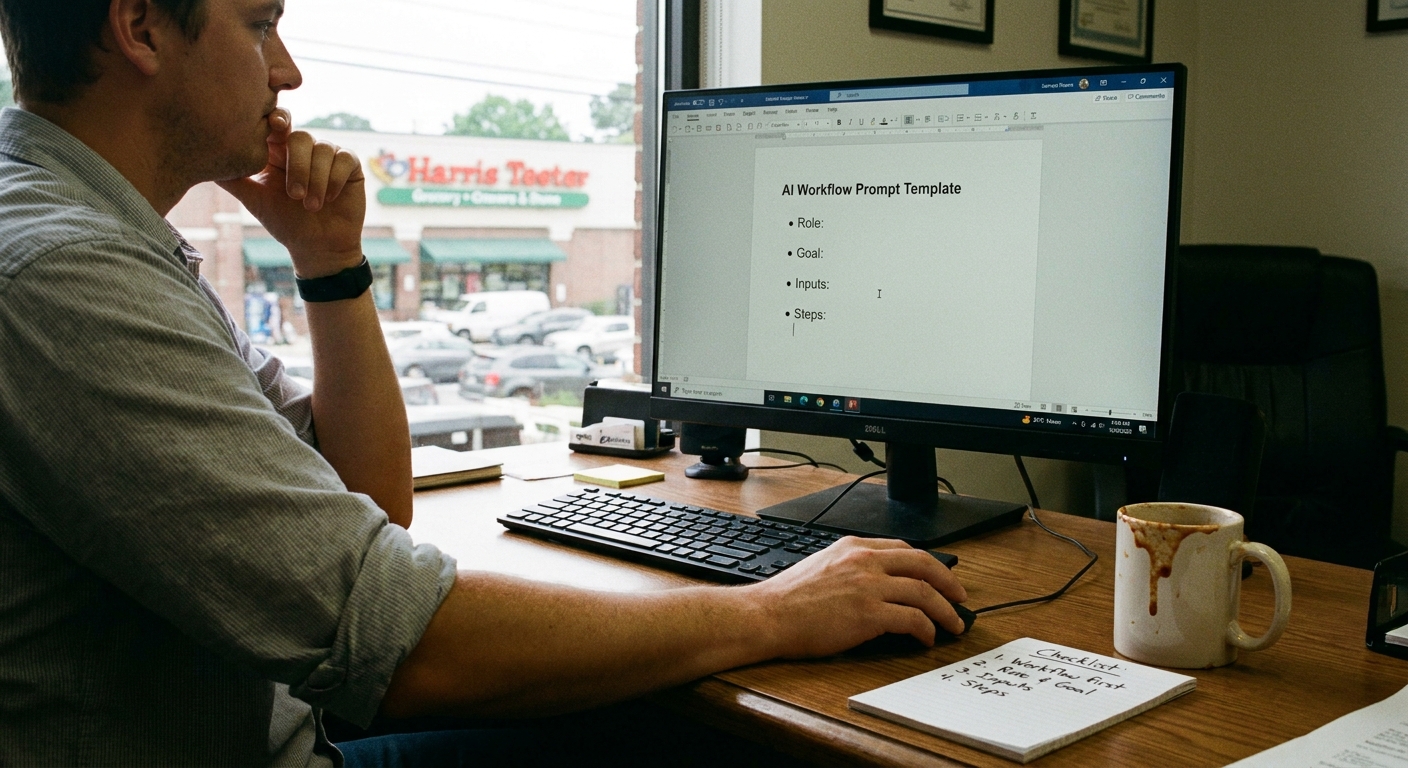
And if you’re sitting in a shop in Spartanburg or a kitchen in Wilmington thinking, “Okay, but where would we even start?” — grab that one problem that’s bugging you the most and sketch it out on paper. That’s your first AI workflow waiting to happen.