Here’s the Backstory
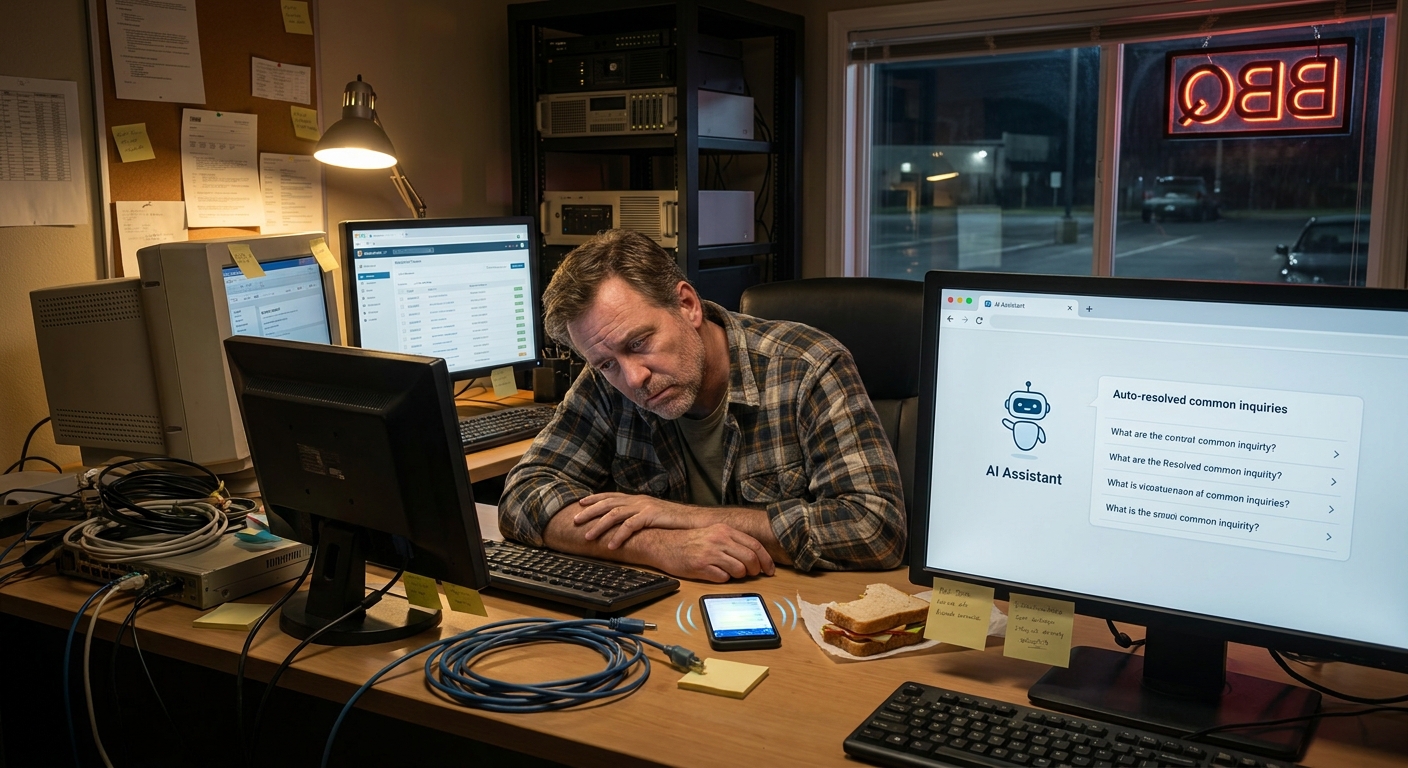
A few weeks ago I was sitting at a coffee shop in Mount Pleasant, watching a small business owner fight with ChatGPT on her laptop. I could see the screen from where I was: she typed a long paragraph, hit enter, stared at the answer, sighed… then tried again. Same vibe you get arguing with a GPS that keeps telling you to “make a U-turn when possible.”
After about ten minutes she just closed the lid, grabbed her latte, and muttered, “This thing is useless.”
And it hit me: the tool wasn’t the problem. The prompts were.
If you’re a founder, consultant, agency owner, or any kind of entrepreneur, you don’t have time to become an AI scientist. But you do need some simple prompt engineering best practices for entrepreneurs that actually help with real work: sales follow-ups, content, client emails, systems, you name it.
Let’s Get Honest for a Second
AI can feel like magic when it works… and like a stubborn teenager when it doesn’t. One minute it’s writing a pretty solid landing page. The next minute it forgets everything you just said and gives you a generic answer that sounds like a brochure from 2009.
The difference is almost always the prompt.
And here’s the thing: good prompting isn’t about fancy jargon. It’s about:
- Talking to AI like you’d talk to a smart new hire
- Being clear on your goal (and your “good enough” bar)
- Reusing prompts that work instead of starting from scratch each time
- Treating prompts as part of your ai workflow automation for small business, not just one-off experiments
Once you get a few basics down, you can start turning those prompts into repeatable workflows for a bunch of business tasks you can automate with ai workflows—without needing a big team or a big budget.
Let’s Make This Simple: The 5-Part Prompt Recipe
I like to keep prompts simple enough that you could type them on your phone while waiting for your food at Lewis Barbecue in Charleston.
Here’s a basic 5-part recipe you can reuse:
- Role – Who should the AI pretend to be?
- Context – What’s going on? What’s the situation?
- Goal – What do you actually want out of this?
- Constraints – Limits, style, length, audience.
- Examples – One or two “like this, not that” samples.
You don’t have to use all five every time, but the more of them you cover, the better the result.
1. Set the role
Instead of: “Write an email about our new service.”
Try: “You are a friendly, clear marketing copywriter who works with local service businesses.”
That one line changes the whole voice.
2. Give real context
Bad: “Write a sales email.”
Better:
We help small restaurants in Greenville manage online orders and delivery
without hiring extra staff. The owner is overwhelmed. They hate tech,
they just want things to “work.”
3. Be clear on the goal
Tell it what “done” looks like.
“Goal: A short email that gets them to book a 15-minute call. That’s it. Not to buy. Just to talk.”
4. Add constraints
This is where things usually go off the rails if you skip it.
- Length: “Under 200 words.”
- Style: “Plain language, no buzzwords.”
- Audience: “Owner of a 5–20 person local business.”
- Format: “Subject line + body + simple P.S.”
5. Drop in an example
You don’t need a ton. One clear example works wonders.
“Write in a similar tone to this: <paste short email you like>”
A Closer Look: One Prompt You Can Steal
Let me give you a full example you can literally copy, tweak, and reuse.
Imagine you’re a consultant in Charlotte who helps small businesses set up ai workflow automation for small business—stuff like follow-up emails, lead intake, and internal documentation.
You are a friendly, direct marketing copywriter who helps consultants
sell done-for-you AI workflow automation services to small businesses.

Context:
I help small local businesses automate repetitive tasks
with simple AI workflows. Examples:
- Turning contact form submissions into structured CRM entries
- Drafting first-pass reply emails for new leads
- Auto-summarizing client meetings into action items

The business owner is usually overwhelmed, busy, and skeptical about AI.
They worry it's going to be complicated or expensive.

Goal:
Write a short outreach email to a local HVAC company owner.
The goal is only to get them to reply "yes" if they want a quick,
no-pressure walkthrough of 3 business tasks you can automate
with AI workflows in their business.

Constraints:
- Under 180 words
- 3rd-6th grade reading level
- Plain language, no hype
- Include one short specific example of a task we can automate
(like turning voicemails into task lists)
- Format: subject line + email body
That’s a solid prompt. Clear role. Real context. Simple goal. Tight constraints. One example.
The Part No One Talks About: Iterate Like You Would With a Junior Hire
Here’s where most people get stuck: they treat AI like a vending machine. Put in prompt. Get answer. Walk away.
It works way better if you treat it like a new assistant on your team.
So after the first response, ask:
- “Make this 30% shorter.”
- “Rewrite this for a more skeptical audience.”
- “Give me three versions with different hooks.”
- “Keep the same structure but change the tone to more casual.”
That back-and-forth is where the good stuff lives.
I don’t know everything, but I’ve seen this pattern over and over with founders in Charleston, Columbia, and even a little shop out in Summerville: the second and third drafts from AI are almost always better than the first, if you nudge it the right way.
Here’s the Fun Part: Turn Good Prompts Into Little Systems
Once you find a prompt that works, don’t just leave it buried in a chat. Turn it into a mini system.
A few ideas:
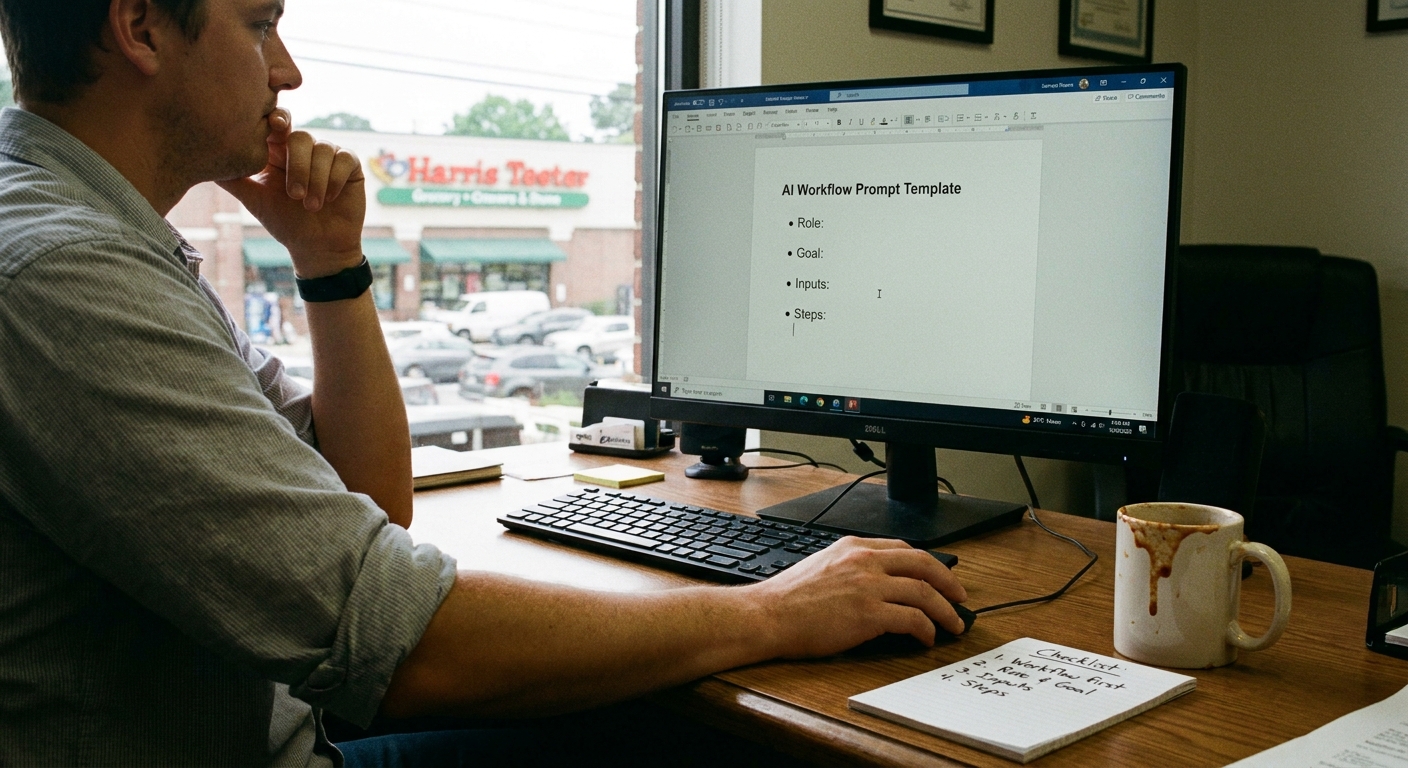
- Saved prompts doc: Google Doc called “AI Prompts We Actually Use.” Put your best ones there.
- Client-specific templates: One version for real estate clients, one for dentists, one for agencies, etc.
- Checklists: For each workflow, list the steps: “Paste raw email, run this prompt, tweak, send draft to team.”
- Training your team: Show your VA or marketing assistant how to use the prompts the same way, every time.
Now you’re not just “using AI.” You’re building simple repeatable systems for the business tasks you can automate with ai workflows across your whole operation.
A Real-Life Moment From Folly Beach
Let me paint the picture.
I was grabbing tacos near Folly Beach with a friend who runs a small e-commerce shop. Just her, one part-time helper, and a very loud Shopify notification sound on her phone.
She was spending 1–2 hours a day writing the same types of emails:
- “Where’s my order?”
- “Can I change my address?”
- “Do you ship to <country>?”
So while we waited for our food, we built one simple prompt together right there on her phone.
You are a customer support rep for a small e-commerce shop
that sells eco-friendly home goods.

Context:
Our brand voice is friendly, calm, and helpful.
We always assume the customer is stressed and be extra clear.

Goal:
Turn the following customer email into a reply
that:
- Answers their question clearly
- Uses short sentences
- Offers one next step

Constraints:
- Under 120 words
- No legal or technical jargon
- 3rd-6th grade reading level

Customer email:
<paste email here>
Then she saved that prompt as a note. Next time a customer emailed, she just pasted it in, ran the prompt, tweaked the answer a bit, and hit send.
Long story short, she cut her support time down to about 20 minutes a day. No fancy tools. Just better prompting and a repeatable mini workflow.
A Quick Reality Check
Before we go too far down the rabbit hole, a tiny tangent: AI will still make mistakes. It will occasionally be confident and wrong. It will sometimes sound too stiff or too cheerful.
That’s normal.
The real win isn’t perfection. It’s going from “this takes me 60 minutes” to “this takes me 10–15 minutes with AI doing the first draft.”
Once you accept that, you stop fighting the tool and start shaping it.
What You Can Do Next
If you’ve ever felt that “why won’t this thing just do what I want?” feeling, you’re not alone. Most entrepreneurs I talk with in Greenville, Spartanburg, and Raleigh are in the same boat.
Here’s a simple way to put these prompt engineering best practices for entrepreneurs to work this week:
- Pick one task that you touch all the time:
- Replying to leads
- Summarizing meetings
- Outlining content
- Drafting proposals
- Write one good prompt using the 5-part recipe:
- Role
- Context
- Goal
- Constraints
- Example
- Iterate three times:
- First run: “Okay, this is a start.”
- Second run: Ask it to shorten, clarify, or change tone.
- Third run: Ask it for 2–3 variations.
- Save the final prompt in a doc called “AI Prompts We Actually Use.”
- Use it three days in a row and tweak only if it really needs it.
If You Only Remember One Thing…
Don’t judge AI by your first messy prompt.
Treat it like a junior hire: give it a clear role, real context, a simple goal, tight constraints, and an example or two. Then refine together.
That’s how you go from “this tool is useless” to “this is quietly saving me hours every week.”
Try it with just one workflow in your business this week. See how it feels. If it clicks, that’s your sign to start building out more ai workflow automation for small business tasks using the same approach.
And if it still feels fuzzy, start with that one saved prompt you know works and build from there. One tiny system at a time.