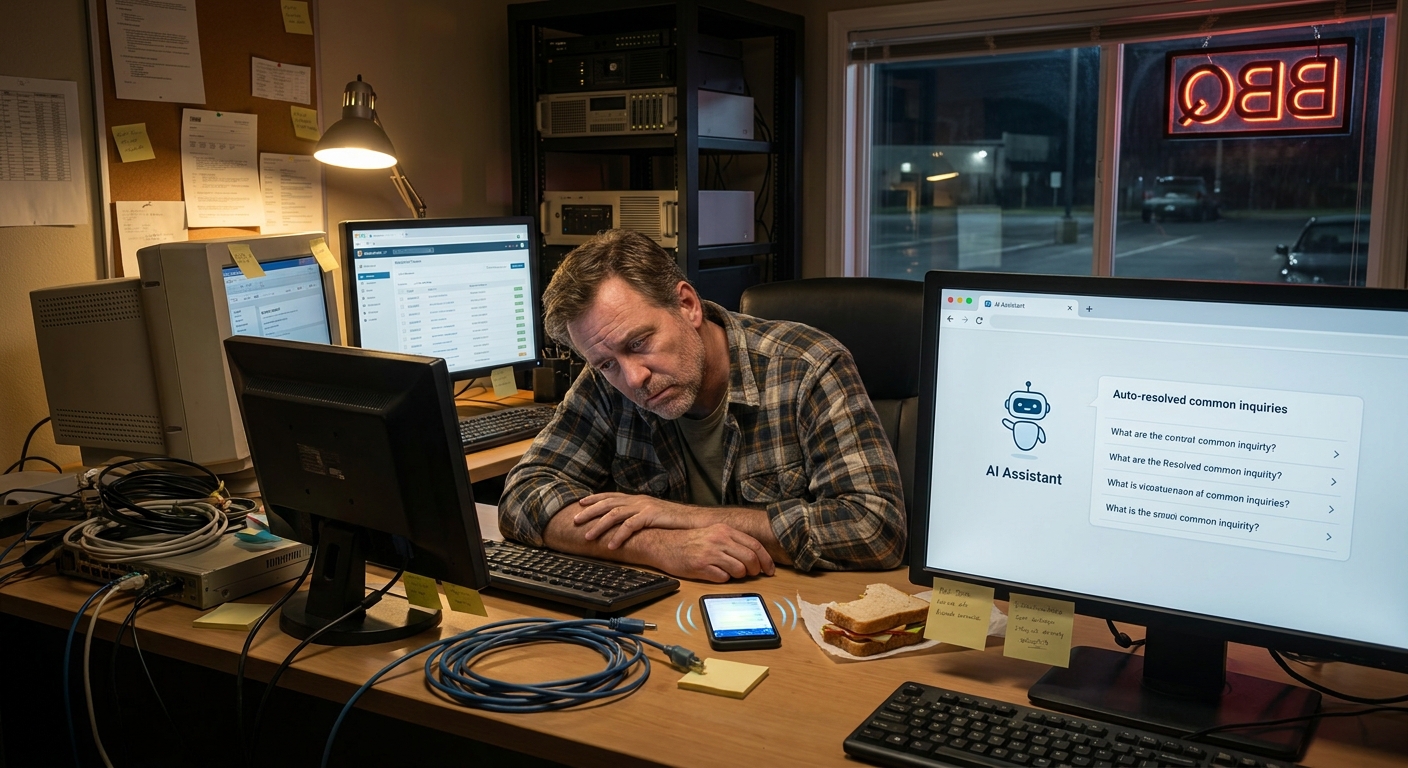
I was standing in line at Creekside Bar-Be-Que in Lexington the other night, watching the smoke roll out of the pit and trying not to drool on myself, when a buddy of mine from Columbia waved me down.
He runs a small sales team. Good folks. Hustle hard. But he looked tired.
“Man,” he said, “we’re losing deals because we just don’t follow up fast enough. Or at all. I know there are tools for this, but it all sounds like robot junk.”
That’s what got me thinking about ai follow up email automation for sales teams and how it can help normal people who are just trying to hit their numbers without living in their inbox.
So, Here’s the Deal
Most small sales teams here in the Carolinas are trying to do three jobs at once. You’re:
- Taking calls
- Chasing quotes
- Trying to keep leads warm without sounding desperate
And somewhere between the third call and that late lunch at Rush’s, you forget to send that “Hey, just checking in” email. Or you send it a week too late.
That’s where ai workflow automation for small business actually makes sense. Not to replace your sales team. To cover the boring, repeatable parts:
- Basic follow up emails
- “Nice to meet you” intros
- “Here’s your quote again” reminders
- “Still interested?” nudges
These are the business tasks you can automate with ai workflows without losing that human touch. You stay focused on real conversations. The system handles the little nudges.
The Part Most Folks Miss
When people hear “AI emails,” they picture cold, stiff messages that sound like a robot in a suit. But that’s usually because someone:
- Turned on a generic template and never edited it
- Didn’t connect it to their actual sales process
- Let it blast emails without rules
You don’t want that.
A good ai follow up setup is more like a smart checklist that runs in the background. Triggered by simple moments, like:
- New lead fills out a form on your website
- Someone downloads a pricing sheet
- You log a call in your CRM
- A quote was sent three days ago but no response yet
For each of those, you tell the system:
- When to send a follow up
- What kind of tone you want
- What info to pull in (name, company, product, price, whatever)
And the AI drafts something that sounds like you. Not perfect. But close enough that you just tweak a few words if you want and hit send. Or let it send on its own for the simple stuff.
Here’s the Game Plan
Let’s keep this super simple. You don’t need a giant system. You need a few small workflows that actually match what your sales team does all day.
1. Set your “first touch” follow up
When a new lead comes in:
- Trigger: Lead fills out a form or gets added to your CRM
- Delay: 5–10 minutes (so it doesn’t feel instant and fake)
- Action: AI writes a friendly “thanks for reaching out” email
Something like:
“Hey Sarah, thanks for reaching out about the kitchen remodel. I’m John, I handle projects here in Greenville. I’ll give you a call this afternoon, but if you’ve got photos or ideas, you can reply here and I’ll take a look first.”
Simple. Human. Not weird.
2. Build a quote follow up that doesn’t feel pushy
You know the one. You sent a quote. Then… nothing.
- Trigger: Quote sent in your CRM or proposal tool
- Delay: 2–3 days
- Action: AI drafts a light check-in email
Example:
“Hey Mark, just wanted to make sure you saw that proposal for the roofing job in Mt. Pleasant. No rush, I just know emails get buried. Happy to tweak the options if something doesn’t fit your budget.”
3. Set up a “ghosted” follow up
They replied once. Then vanished. Happens more than we admit.
- Trigger: No reply after your last email in a thread
- Delay: 4–7 days
- Action: AI drafts a short, honest email
“Hey Lisa, I didn’t want to bug you, but I also didn’t want to drop the ball on that maintenance plan for your Charleston office. Want me to close this out for now or keep it on the table?”
4. Use AI to reuse what’s already working
You don’t need to start from scratch. Grab:
- Your best performing email that actually got replies
- A couple of messages your reps already like using
Feed those into your system as examples. Tell the AI:
“Write follow up emails in this style. Keep it short. Friendly. No jargon.”
I don’t know everything, but this part keeps your messages feeling like “you,” not some shiny Silicon Valley template.
A Quick Story from the Road
A while back, I was driving from Greenville to Spartanburg, stuck in that weird I-85 construction mess, talking with a client who runs a three-person sales team.
They sell B2B services to manufacturers. Nothing fancy. Local, steady business. They were sure AI was “too much” for them. Too techy. Too big.
We started with just one thing: automate their “quote follow up” and “no response” emails.
- We plugged into their CRM
- Set simple triggers based on quote dates
- Let AI draft the follow ups using their old emails as a base
First month, nothing dramatic. Just:
- More replies like “Oh thanks, I meant to get back to you”
- Faster yes or no answers
- Cleaner pipeline, less guessing
Then something clicked. Their close rate bumped up a few percent. Not double. Not magic. Just enough that one of the owners said:
“Honestly, this paid for itself with that one big job we almost lost because I forgot to follow up.”
That’s the quiet win with ai follow up email automation for sales teams. It doesn’t make you superhuman. It stops you from dropping easy balls.
The Honest Truth
Let me be honest. You can absolutely overdo this stuff.
If you set up 12-step email sequences that keep poking people every other day, you’ll annoy folks from Raleigh to Wilmington. Nobody wants that.
A good rule of thumb:
- 1–3 follow ups per lead is plenty
- Keep messages short, clear, and honest
- Always make it easy for someone to say “not interested”
And here’s the part people miss: AI is just a helper. You still need to:
- Pick who to follow up with
- Decide which deals are worth chasing longer
- Jump in and write personal notes for big accounts
Think of AI workflows as the person in the office who says, “Hey, don’t forget to call Jim back,” but in email form, running 24/7.
What This Looks Like in Real Life
Picture this: you’re sitting under a live oak in Summerville, finally taking a breath between calls. Your phone buzzes.
- A lead just replied to a quote follow up you forgot you even sent
- Your CRM shows three “warm” deals that AI kept alive with simple nudges
- Your reps are spending more time on calls and less time copying old emails
All because you automated a handful of boring, repeatable messages. That’s it.
You didn’t overhaul your whole business. You just grabbed a few business tasks you can automate with ai workflows and got them off your plate.
The Bottom Line
You don’t need to be a tech wizard to use ai workflow automation for small business. You just need to know where your team keeps dropping the ball.
Start tiny:
- One “thanks for reaching out” follow up
- One “checking on that quote” email
- One “haven’t heard from you” nudge
Get those running. See how your deals feel after a month.
If you’re sitting there in North Charleston or Charlotte thinking, “We’re losing deals because we just don’t follow up,” it might be time to let ai follow up email automation for sales teams quietly handle the stuff you keep meaning to do, but never quite get to.
And if you ever want to talk through what this could look like for your own setup while we’re standing in the grocery line at Harris Teeter, I’m around. Just don’t ask me to pick the best BBQ spot. That argument never ends.