I was standing under a live oak behind a church on Meeting Street, sweating through my shirt like usual, watching volunteers stack food boxes into the back of a dusty van. It was one of those muggy Charleston afternoons where the air just kind of sits on your shoulders.
The director walks up, wipes her forehead, and goes, “If one more person tells me we should ‘use AI’ without explaining how, I might scream.”
That’s how we ended up talking about ai consulting for charleston area nonprofits right there in the parking lot, between a pallet of canned green beans and an old cooler that had definitely seen better days.
So, Here’s the Deal
A lot of folks hear “AI” and think robots, job loss, or some cold system making decisions about people who already don’t have much.
But most of what nonprofits in Charleston, North Charleston, Summerville, Mount Pleasant (and everywhere in between) actually need is way more boring than that. And I mean that in a good way.
We’re talking:
- Less time buried in spreadsheets
- Fewer lost emails and missed follow-ups
- Cleaner donor and client records
- Volunteer signups that don’t turn into a hot mess
And that’s where good, calm, not-hypey ai workflow automation for small business actually crosses over into nonprofit work. Most of the same tools work just fine for nonprofits too. You just use them with a little more heart and a lot more care.
The Part Most Folks Miss
When people hear “AI consultant,” they picture some guy from out of town flying in, talking fast, dropping buzzwords, and leaving you with a 50-page report no one will ever read.
Real talk: if your organization is chasing grants, running on volunteers, and sharing office space with folding tables and donated chairs, you don’t need that.
What you do need is someone who:
- Speaks plain English, not tech babble
- Understands budget limits (like, “we have $200 this quarter, tops”)
- Respects your staff’s time
- Doesn’t try to replace your people with tools
And here’s the kicker: most nonprofit “AI” wins come from really simple business tasks you can automate with ai workflows, not giant fancy systems. Stuff like:
-
New client intake forms
Someone fills out a form on your website → info auto-loads into your spreadsheet or CRM → a templated welcome email goes out → staff gets a quick summary. -
Donor thank-you emails
A donation hits your system → AI drafts a personalized thank-you email with the donor’s name, amount, and program they supported → staff tweaks it if needed and sends. -
Volunteer reminders
Volunteer signs up for a shift → two days before, they get an automatic reminder with time, address, and parking info → your coordinator gets a list of confirmed folks. -
Board meeting notes
You record the meeting → AI turns it into notes, action items, and a clean summary → no one has to stay up until midnight typing it all up.
None of that replaces the human work. It just clears the junk off your plate so you can talk to actual people.
What This Looks Like in Real Life
Earlier this week, I was walking the dog near the water at Folly Beach, watching shrimp boats out by the jetty, when my phone buzzed. It was a text from a youth mentoring nonprofit off Rivers Avenue in North Charleston.
They were drowning in:
- Paper applications from parents
- Google Sheets with half-filled data
- Missed follow-ups with mentors
- Staff staying late to type notes into their system
Nothing glamorous. Just admin pain.
Here’s what we actually did (over three short sessions, nothing wild):
Step 1: Clean Up the Basics
- Picked one main spreadsheet instead of four.
- Standardized how they wrote names, phone numbers, and schools.
- Moved their paper form questions into an online form.
Boring? Yep. Necessary? Absolutely.
Step 2: Add Simple AI Where It Helps
-
Setup an AI tool to take parent responses and create:
- A short summary for staff (background, needs, key concerns)
- A friendly text template to send back to the parent
-
Connected their sign-up form so:
- New entries land in the main spreadsheet
- New parents get an automatic “got it, here’s what’s next” email
-
Created a simple “follow-up list” each Monday:
- AI scans the week’s entries
- Flags families that haven’t heard back in 3 days
- Sends staff a single email: “Here are 7 people to call this week”
Step 3: Protect Their Heart Work
- We set a rule: AI can draft, but humans hit send.
- We turned off any tools that tried to “auto-approve” big changes.
- We made sure sensitive notes never left their main system.
The wild part is, after all that, they weren’t talking about “AI” anymore. They were talking about “finally having time to actually check in on kids instead of chasing paperwork.”
A Quick Story from the Road
A while back, I was stuck on I-26 between Columbia and Charleston, just past Orangeburg, staring at brake lights and a Buc-ee’s billboard, when a director from a tiny arts nonprofit called.
She says, “We’re not big enough for AI, right?”
Here’s the truth: size doesn’t matter as much as repetition. If your team does the same little task over and over again, there’s a good chance AI can help with it.
We walked through her week. And you might feel the same way when you look at yours:
- Copy-pasting event info into Facebook, email, and their website
- Manually sorting people who RSVP’d “yes,” “no,” and “maybe”
- Typing the same thank-you note 30 different times
- Spending Sunday afternoon building a grant report from scattered notes
Then something clicked. We didn’t need a giant “AI system.” We just needed a couple of tiny ai workflow automation for small business-style setups:
- One workflow to turn an event description into:
- A Facebook post
- An email draft
- A short blurb for their website
- One workflow to summarize feedback forms into a short report
- One workflow to draft personalized thank-you emails after events
That was it. No new full-time staff. No fancy new software they couldn’t afford. Just using what they had, slightly smarter.
Let’s Keep It Simple
If you’re running a Charleston-area nonprofit and trying to figure out whether ai consulting for charleston area nonprofits is worth even thinking about, here’s a simple way to check.
Start With These Questions
- What do we do every single week that feels repetitive?
- Where are we dropping balls – donors, clients, volunteers?
- What’s the one thing that would make staff breathe easier?
- What do we wish we could stop doing by hand?
Then, for each one, ask: “Could AI draft this for us, so we just review it?”
Not decide for us. Not replace us. Just draft.
Good Spots to Use AI (That Don’t Hurt the Human Side)
-
Writing first drafts
Grant summaries, newsletters, social posts, donor updates. -
Summarizing chaos
Long meeting notes, survey responses, case notes into clean action items. -
Gentle reminders
Follow-up emails, event reminders, “just checking in” notes. -
Data tidy-up
Fixing capitalization, formatting phone numbers, merging duplicates.
The stuff AI shouldn’t touch? Anything that needs judgment, context, or deep empathy. Conversations with clients in crisis. Tough calls about services. Disciplinary issues. That stays human.
The Honest Truth
I don’t know everything, but I keep seeing the same pattern from Charleston to Greenville to Wilmington:
- Nonprofits are tired.
- Staff is stretched thin.
- Volunteers are willing, but systems are messy.
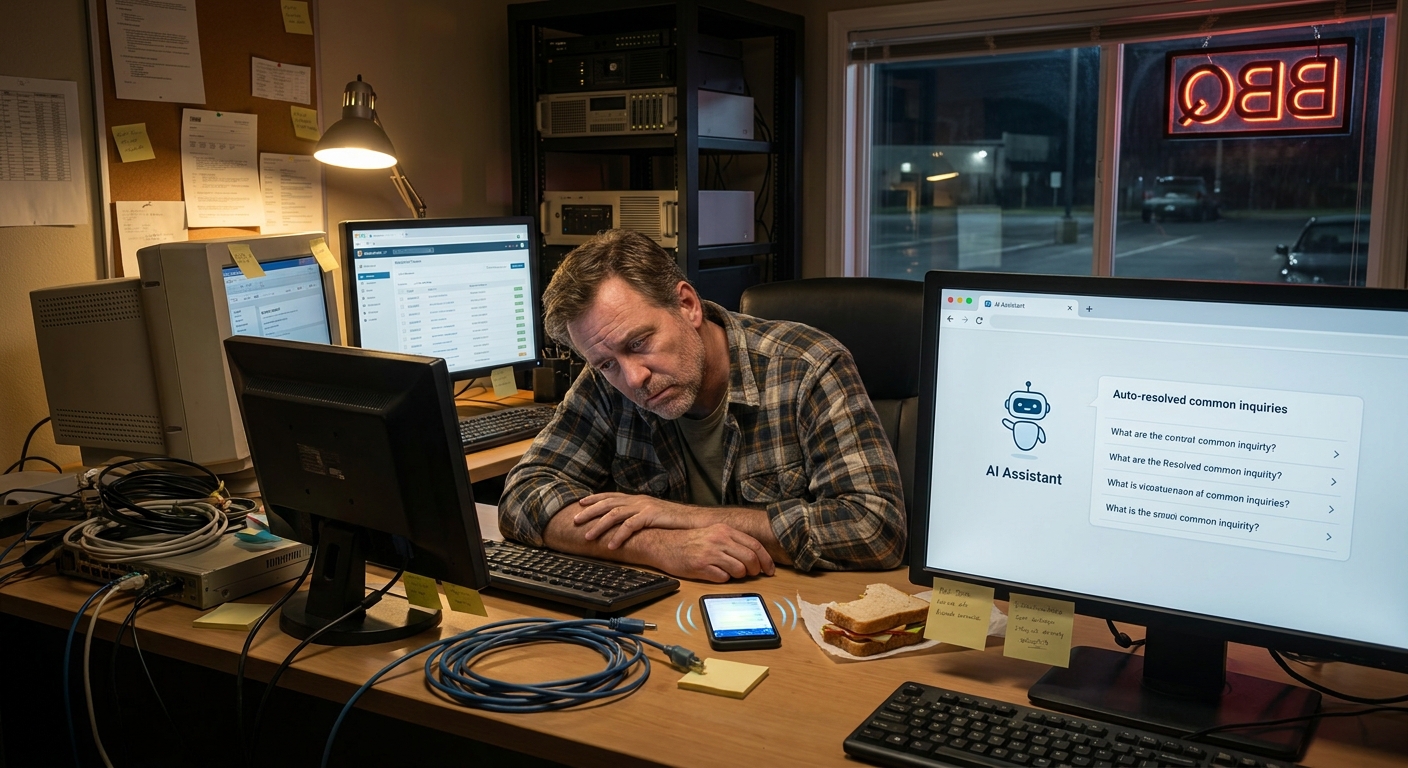
And what nobody talks about is how heavy that admin burden gets. It’s not just “a few emails.” It’s nights and weekends and missed time with family because someone had to finish the report before Monday.
AI isn’t magic. It’s just another set of hands for the boring stuff.
So if you’re in the Lowcountry, maybe sitting in traffic near the Ravenel Bridge or waiting in line at Rodney Scott’s in Charleston, and you’re wondering if any of this “AI” talk is actually worth your time… it can be. As long as it’s:
- Small
- Practical
- Built for humans first, tools second
And here’s the part people miss: you don’t have to overhaul everything at once. Start with one little workflow. One annoying task. Fix that. Then another.
That’s how business tasks you can automate with ai workflows actually turn into more time, more focus, and more energy for the work you really care about.
If you’ve read this far, you’re probably already carrying a lot. So no hard pitch here. Just this:
Next time you’re staring at a pile of forms or a blank email to donors, ask yourself one question: “Is there a small way AI could draft this for me so I can get back to the people work?”
If the answer feels like “maybe,” that’s where ai consulting for charleston area nonprofits can actually help. Not by changing who you are. Just by taking a little weight off your shoulders.