I was standing in line at Home Team BBQ in Columbia, staring at the board trying to decide between wings or brisket, when my phone buzzed three times in a row.
Three different Slack pings.
Three different people.
All asking some version of: “Hey, what’s the status on this?”
I hadn’t even ordered a sweet tea yet and my “project manager brain” was already back at my desk.
That little moment right there?
That’s what made me finally get serious about ai workflow automation for project management.
So, Here’s the Deal
Most small teams here in the Carolinas run projects the same way:
- You’ve got tasks scattered in email, text, maybe Trello or Asana.
- Everybody swears they’ll “keep it updated.”
- Deadlines get fuzzy. You chase people down. Again.
- You become the human reminder system.
It works. Kind of.
Until you have three big client projects and someone’s kid gets sick and you’re driving up I‑26 between Charleston and Columbia trying to manage everything from your phone.
That’s where ai workflow automation for small business actually makes sense. Not as some fancy tech toy. As “I’d like my sanity back, please.”
Let’s Keep It Simple
I don’t know everything, but I’ve seen enough teams from Greenville to Wilmington to know this: you don’t need some giant system overhaul.
You just need a few smart automations that quietly run in the background.
Here’s a simple way to think about business tasks you can automate with ai workflows inside your projects:
- Kickoff tasks – what happens every time you start a new project?
- Handoffs – when one person finishes, who’s up next?
- Check‑ins – how do you keep things from going silent?
- Updates – who needs to know what, and how often?
- Wrap‑up – what always, always gets forgotten at the end?
If something happens every time, that’s a good sign a bot can help with it.
The Part Most Folks Miss
The problem isn’t just tasks.
It’s the little pieces of thinking and typing around the tasks.
Let me show you a few spots where AI can quietly pick up the slack.
1. Auto‑creating your project plan from one message
Earlier this week in Raleigh, I watched a small marketing team set this up while we sat under a live oak outside Jubala:
- Client sends a long email with goals, dates, and “we kinda need this soon.”
- You forward that email to a special inbox.
- An AI workflow reads it, pulls out:
- Key goals
- Rough timeline
- Deliverables
- It auto‑creates:
- A project in your tool (ClickUp, Asana, Monday, whatever)
- A draft task list with due dates
- A summary message for the team in Slack or Teams
You still tweak it. You’re still the boss.
But you’re editing, not starting from a blank page. That’s a big difference at 5 p.m. on a Friday.
2. Smart reminders that don’t feel naggy
Here’s where most project tools fall flat: the reminders are dumb.
They don’t care about context. They just shout, “You’re late!”
With ai workflow automation for project management, you can set up things like:
- Gentle nudges a few days before a due date, only if:
- No comments have been added
- No files were uploaded
- The task is still “Not Started”
- “Heads up” alerts to you only when:
- A task is 3 days late and it’s labeled high priority
- End‑of‑day recaps that say:
- “Here are 3 tasks at risk this week”
- “Here are 2 things waiting on your approval”
The system isn’t yelling at everyone all the time.
It’s helping you see the trouble spots before they blow up.
3. Turning messy updates into clean status reports
You know that feeling when everyone swears “the project is on track,” but nobody can show you anything concrete?
Here’s a simple workflow a contractor in Summerville set up:
- Once a week, every team member gets a quick DM:
“Reply with what you finished, what’s in progress, and what’s blocked.” - They reply in plain language. Half sentences. Typos and all.
- An AI workflow:
- Summarizes their replies
- Groups by project
- Highlights anything marked “blocked” or “waiting on client”
- You get a single, clean status report in your inbox or Slack.
No more chasing five different people for updates while you’re standing in the Harris Teeter parking lot in Mt. Pleasant.
What This Looks Like in Real Life
A quick story from the road.
I was in Greenville, leaning against my truck outside Methodical Coffee, talking with a guy who runs a small web design shop. Seven people. Lots of projects. Constant chaos.
He said, “Man, I’m either selling, designing, or herding cats. There’s no in‑between.”
Here’s what we set up for him over a couple of afternoons:
- New project intake
- When a client signs a proposal in PandaDoc, it triggers:
- A new project in his PM tool
- A kickoff checklist (discovery call, content request, timeline)
- An AI‑drafted welcome email with next steps
- When a client signs a proposal in PandaDoc, it triggers:
- Content chase
- If the client hasn’t uploaded content after 5 days:
- AI sends a friendly reminder
- Offers to hop on a quick call to help
- Updates the project status to “Waiting on Client”
- If the client hasn’t uploaded content after 5 days:
- Design review loop
- Client leaves comments in Figma
- AI reads them and:
- Creates tasks for each clear change
- Flags anything that’s confusing with a note: “Need clarification”
- Weekly summary
- Every Friday at 4 p.m.:
- AI pulls updates from tasks, time entries, and emails
- Builds one short client update per project
- He skims, tweaks a line or two, hits send
- Every Friday at 4 p.m.:
Two months later he told me, “I didn’t hire a PM. I just stopped being the only brain in the room.”
Now, small tangent: we also talked way too long about which Bojangles biscuit is actually the best (I’m still team Cajun Filet, for the record). But the real win was this – he got back 5–7 hours a week. That’s not nothing.
Here’s the Game Plan
If you’re reading this from a porch in Wilmington or a cramped office in North Charleston thinking, “This sounds nice, but where would I even start?” here’s a simple path.
Step 1: Pick one project and one headache
Don’t automate everything. Not yet.
Pick:
- One type of project you do all the time (installs, campaigns, websites, whatever)
- One spot that always causes stress (client content, late approvals, missed handoffs)
Start there. Just that one.
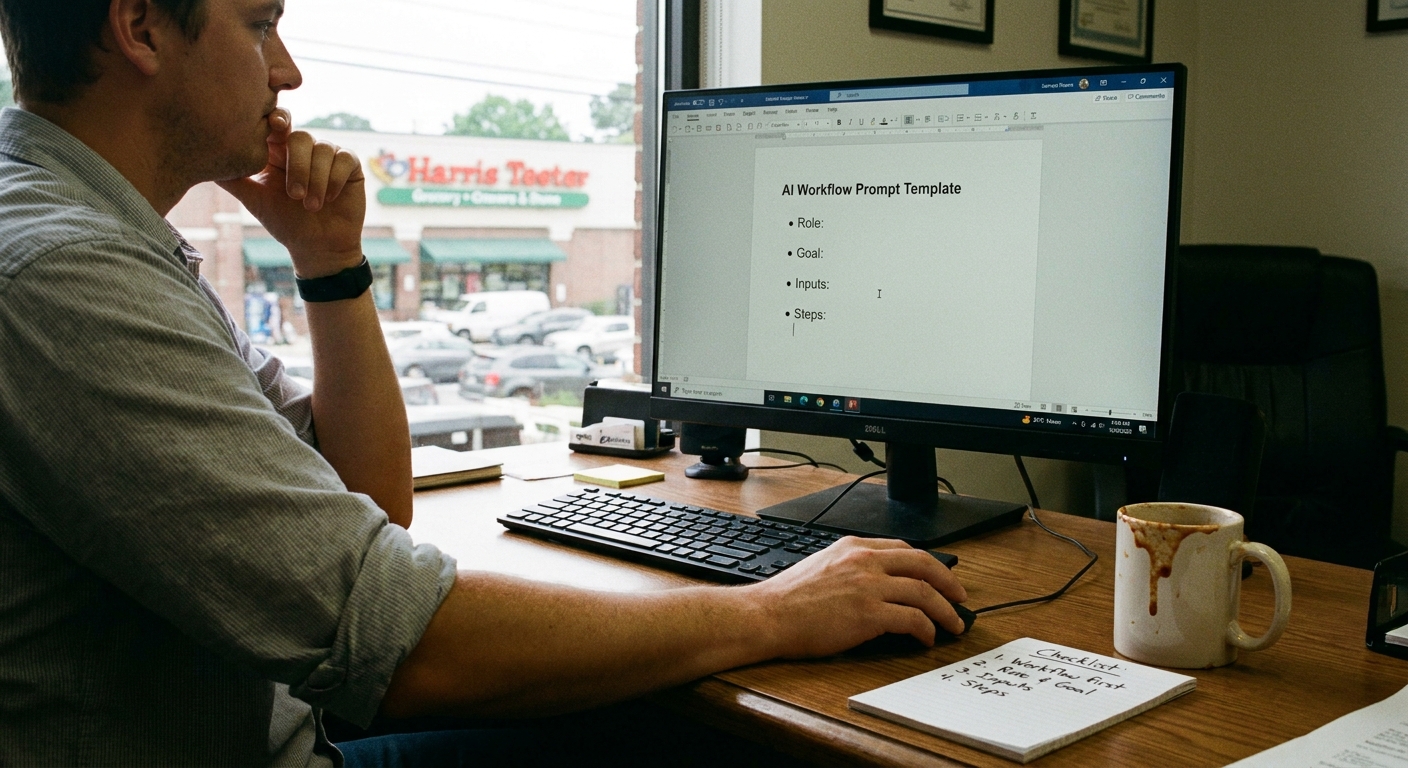
Step 2: Write the steps like you’d text a friend
Open a doc and write:
- “When a new X project starts, we usually…”
- “If the client doesn’t respond, we usually…”
- “When design is done, it normally goes to…”
Don’t make it fancy.
That “messy” version is perfect for feeding into an AI to design a workflow.
Step 3: Use simple tools first
You don’t have to jump straight into the deep end. Tools like Zapier, Make, or built‑in automations in ClickUp/Asana can handle a ton:
- “When project starts, create these 10 tasks.”
- “When status changes to Review, DM the manager.”
- “Every Thursday, ask the team for updates and summarize.”
Then you layer AI on top to:
- Summarize long updates
- Draft emails and status reports
- Spot risky tasks based on delays and comments
It doesn’t have to be pretty on day one. It just has to work a little better than what you’re doing now.
The Honest Truth
Sitting on a bench near the Folly Beach pier not long ago, I watched a guy try to answer a client call, text his designer, and keep sand out of his laptop at the same time.
That’s one way to “manage projects.” But it’s brutal.
Here’s the truth: you’ll always need humans for judgment calls, for talking with clients, for dealing with the weird stuff. AI isn’t taking that away.
What it can take is:
- The copy‑paste status reports
- The endless “just checking in” emails
- The manual task setup every single time
- The late‑night “what did we forget?” brain spiral
If ai workflow automation for project management gives you back even a couple of hours a week – that’s time you can spend selling, building, or just sitting on your porch listening to the crickets instead of your email ding.
You don’t have to flip a giant switch tomorrow.
Start with one project. One headache. One simple workflow.
And if you get stuck or feel like you’re overcomplicating it, that’s normal. Take a breath. Trim it back. Ask, “What’s the smallest thing I can let the system do for me this week?”
Do that, and little by little, you’ll stop babysitting every task.
And your projects will still ship on time… maybe even with you actually enjoying that BBQ while it’s still hot.