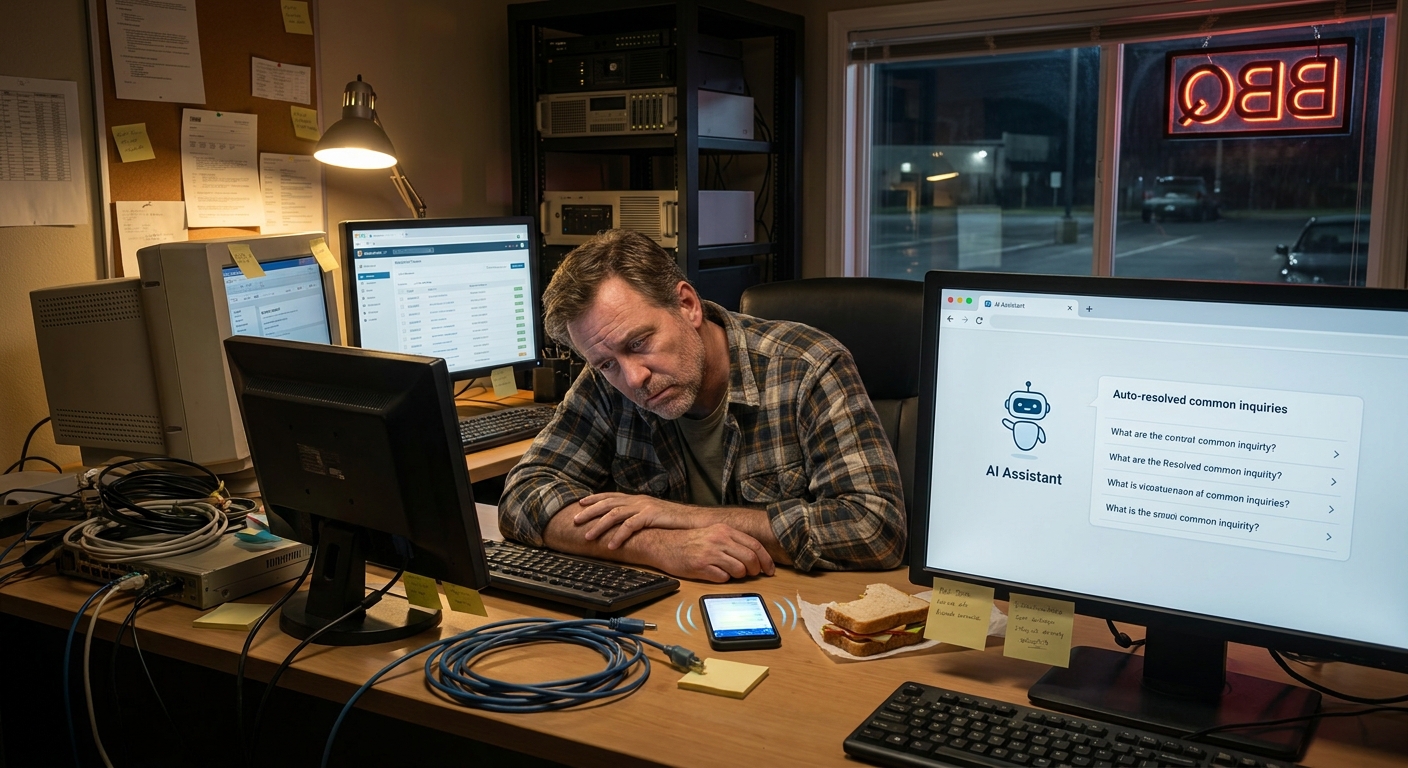
I was standing in line at Southern Belly BBQ in Columbia the other day, watching the guy at the register answer the same question for the fifth time in ten minutes.
“Do y’all cater?”
Yes. Yes, they do. It’s on the menu. It’s on the sign. But folks still ask. Because of course they do.
And it hit me right there, staring at a tray of pulled pork: most small businesses answer the same questions all day long… but in email.
That’s what got me thinking about how to use AI to automate email communication workflows in a way that doesn’t make you sound like some cold, corporate robot.
So, Here’s the Deal
If you run a small business around here – maybe a landscaping crew in Lexington, a boutique in Charleston, or a plumbing outfit in Greenville – your inbox is probably full of the same stuff:
- “What are your prices?”
- “Do you have availability next week?”
- “How do I reschedule?”
- “Can you send that estimate again?”
- “Where do I pay?”
Answering those one by one feels “normal,” but it eats your whole day. And honestly, that’s not even the work you get paid for.
This is where ai workflow automation for small business actually makes sense. Not as some big fancy project. Just as “I’m tired of typing the same thing over and over, please make it stop.”
Let’s break down how you can use AI to handle a lot of your email stuff on autopilot, while you still keep the human tone that makes people actually like you.
Let’s Keep It Simple
I don’t know everything, but here’s a simple way I explain business tasks you can automate with ai workflows when it comes to email:
Anything you find yourself doing three times a week the exact same way? That’s a good candidate.
Here are a few super common email workflows you can automate without breaking your brain:
1. Auto-replies that don’t sound like a robot
Instead of a cold “Thank you, we received your message,” you can:
- Use a shared inbox tool (like Help Scout, Front, or even Gmail filters)
- Hook it up to an AI tool that drafts replies based on the email content
- Add your tone once so every reply feels like you
Example of a friendlier auto-reply:
“Hey there, thanks for reaching out. I’m in the field most of the day around Columbia, so I check email in the mornings and late afternoons. I’ll get back to you within one business day with pricing or next steps. If it’s urgent, call or text me at 803-555-1234.”
AI can fill in the details (name, type of request, maybe a link to FAQs), so you’re not doing that by hand every time.
2. Quick answers to repeat questions
This is where AI shines.
- Make a simple FAQ doc in Google Docs or Notion with your common answers.
- Connect an AI assistant that can read that doc.
- Have it draft replies when customers email in those same questions.
Then your team (or you) just skim, tweak a line or two, and hit send. No more rewriting the same answer 40 times a week.
3. Follow-up emails nobody has time to write
Here’s where most folks leave money on the table. Someone asks for a quote. You send it. Then… crickets.
You mean to follow up, but the day gets busy. Then the week gets away from you. Then it feels awkward.
Set up a simple follow-up workflow:
- Day 0: You send the estimate.
- Day 2: AI drafts a “Just checking in” email.
- Day 5: AI drafts a “Any questions I can answer?” email.
- Day 10: AI drafts a “No pressure, we’ll close this out if we don’t hear back” email.
All you do is approve or tweak them. Ten seconds instead of ten minutes.
Here’s the Game Plan
If you’re wondering how to use ai to automate email communication workflows without spinning up some huge project, here’s a simple starter plan you can knock out over a couple of afternoons.
Step 1: List your “repeat offender” emails
Grab a notebook. Or a napkin. Whatever.
For a couple days, every time you send an email that feels familiar, jot it down:
- New inquiry replies
- Appointment confirmations
- Reschedule / cancellation replies
- Quote sent / proposal sent
- Payment reminders
By the end of the week, you’ll have your top 5–7 workflows to automate.
Step 2: Turn each one into a simple template
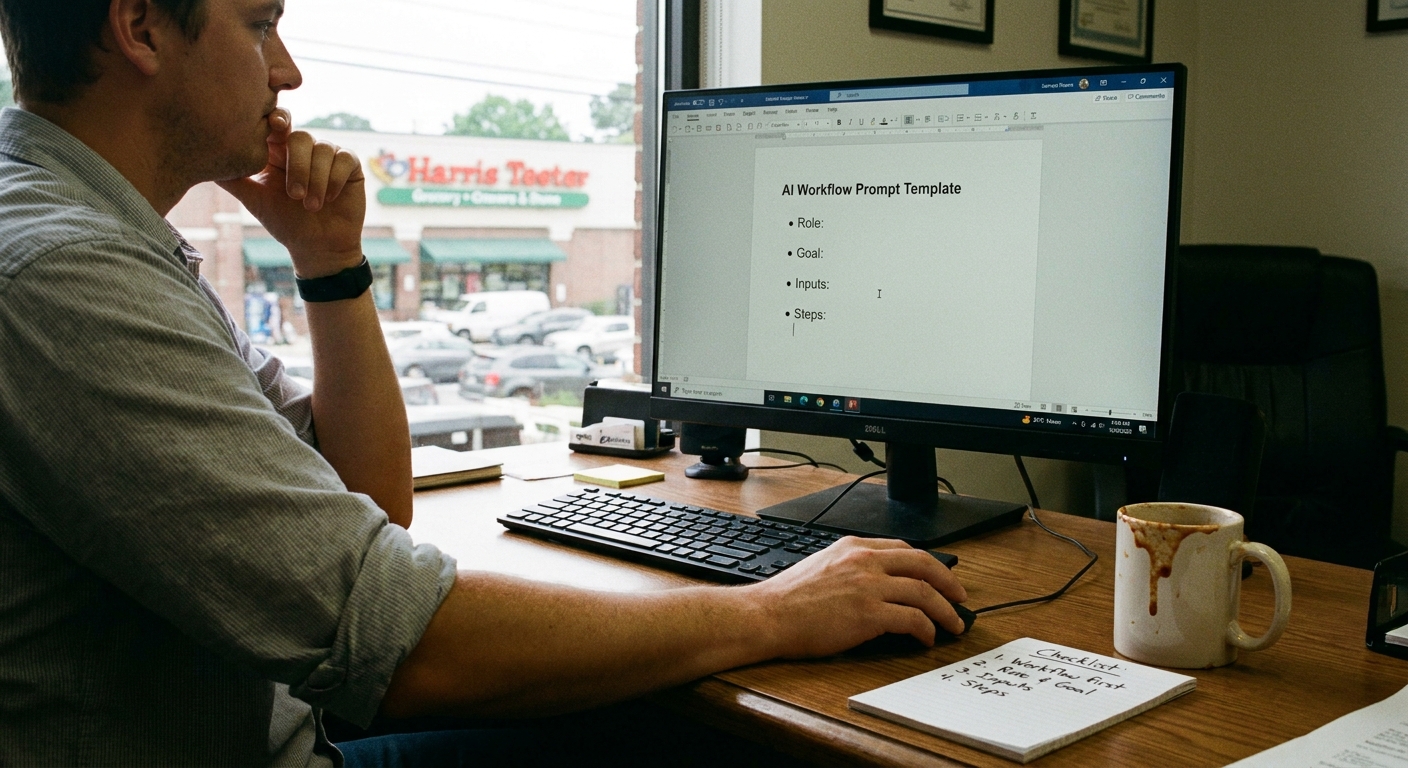
Open a doc and write your “best version” of each email. Don’t overthink it. Just:
- Use your normal voice
- Leave spots for name, dates, price, etc.
- Keep it short and clear
That’s your base. AI will use these like a script.
Step 3: Add AI as your email “draft buddy”
This is the fun part.
You can use tools baked into your email (Outlook Copilot, Gmail add-ons) or a separate tool that plugs into your inbox.
Tell the AI something like:
“When a new inquiry comes in about lawn service, draft a friendly reply using this template, fill in their name, and reference the neighborhood they mentioned.”
Now instead of writing from scratch, you’re just editing. Huge difference.
Step 4: Add light automation, not a full robot army
People get spooked by “automation” because they think everything has to be 100% hands-off. It doesn’t.
Try this:
- Auto-label and sort emails (new leads, current customers, invoices)
- Auto-draft replies for certain labels
- But keep “you hit send” as the final step
So AI does the heavy lifting, and you’re just the final filter.
The Part Most Folks Miss
Here’s what nobody talks about when they talk about email automation: tone.
It’s not just about speed. If your emails suddenly sound like a bank notice, people feel weird. Especially around here where folks still say “y’all” and “yes ma’am” in business emails.
To keep it human:
- Add a local detail here and there (“I’ll be on jobs in West Ashley this morning but back at my desk after lunch.”)
- Use contractions and simple words
- Say “I” and “we,” not “the company”
- Write one or two “starter examples” in your voice and have the AI learn from those
Most AI tools can be told, “Write like this,” and you give them a few examples. That little step is the difference between “Nice, this feels like them” and “Who hijacked their email?”
What This Looks Like in Real Life
Earlier this week I was walking the dog near the Ravenel Bridge in Charleston, sweating through my shirt like usual, when a buddy who runs a small HVAC company called me.
He goes, “Man, I’m buried. I’ve got 60 unread emails and 11 voicemails. Half of them are folks asking the same three things.”
We didn’t overhaul his whole system. We just did this:
- Set up one friendly auto-reply that said when he usually checks email.
- Made templates for:
- New service request reply
- Estimate sent + next steps
- Payment / invoice reminder
- Hooked an AI assistant into his inbox to:
- Classify emails as “new lead,” “existing job,” or “billing”
- Draft replies using those templates
The wild part is, he thought customers would hate it.
Instead, he texted me two days later: “People are actually replying faster because they’re hearing from me quicker, even if it’s just that first auto email.”
Nothing fancy. No giant system. Just small, boring, repeatable things turned into ai workflow automation for small business.
The Honest Truth
If I’m being real, most folks wait too long to do this stuff. They think automation is for “later” when they’re bigger.
But here’s the kicker: it’s usually the small shops that feel the biggest relief. The solo realtor in Raleigh who doesn’t have an assistant yet. The pressure washing guy in Wilmington. The caterer in Summerville who lives in their inbox during wedding season.
So if you’re feeling buried in email, you’re not lazy. You’re just doing work a computer could tee up for you.
Start with one workflow. Just one.
- New inquiry replies
- Quote follow-ups
- Invoice reminders
Get that working. See how it feels. Then add another.
That’s how to use ai to automate email communication workflows without turning your business into some cold, automated mess: keep your voice, let the AI do the grunt work, and keep yourself as the final “this feels right” check.
If you’re stuck on where to start or what tools to even pick, there are tons of beginner-friendly overviews out there, like this one from Zapier on email automation basics: simple guide to email automation.
The Bottom Line
Long story short, you don’t have to answer every single email from scratch anymore.
Let AI handle the repetitive stuff. Let workflows move things along in the background. Let you stay human where it counts – on the weird questions, the tough calls, the customers who really need to hear from you, not a bot.
And hey, if all this does is buy you back an hour so you can actually sit under a live oak in Mt. Pleasant and drink a cold tea without your phone buzzing every 30 seconds… that’s still worth it.