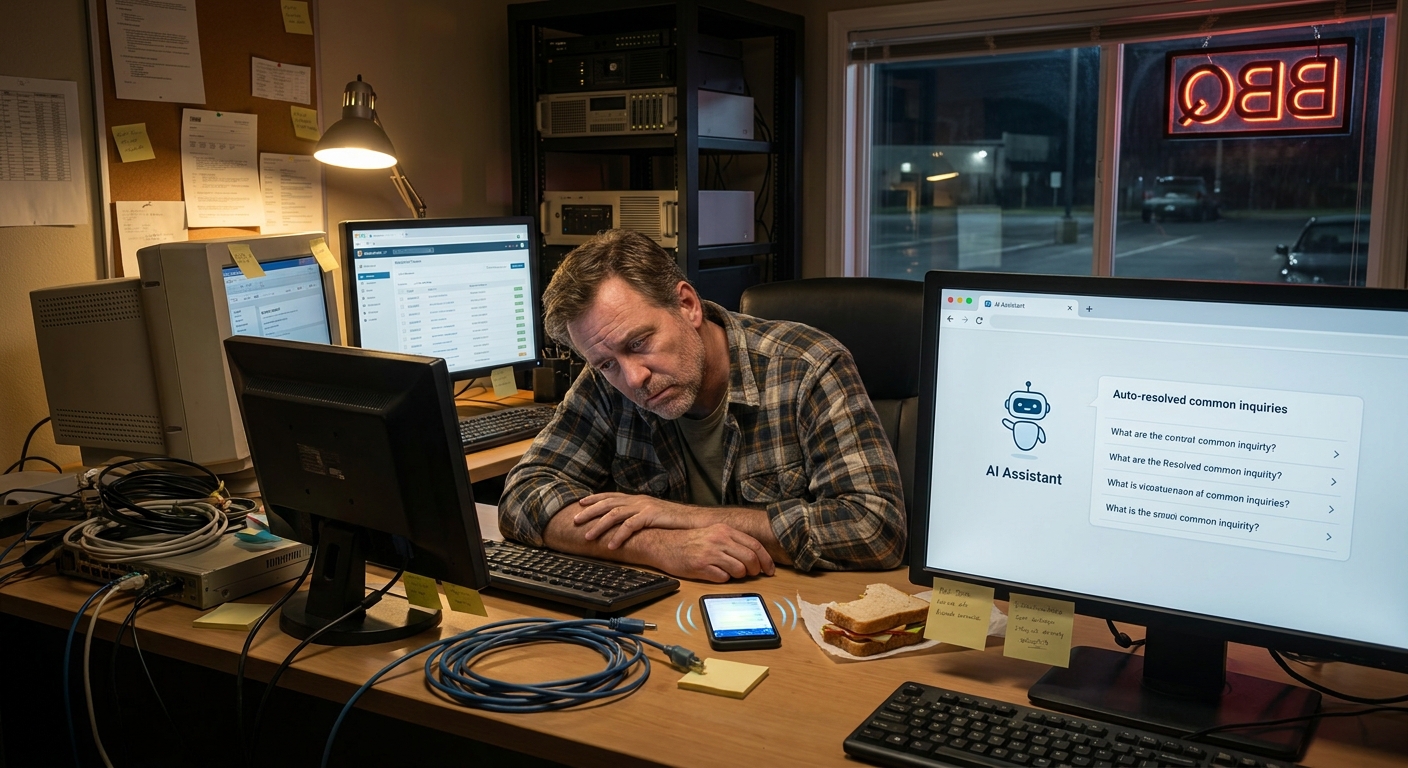
I was standing in line at Home Team BBQ in Columbia, staring at my phone, when I saw it: 87 unread emails. Sauce smell in the air, people talking about the Gamecocks, and my inbox just sitting there, judging me.
That’s when a friend next to me said, “You know you can get AI to handle half of that, right?” And that pulled me straight into this whole world of prompt engineering for AI email writing assistants.
But here’s the thing… most folks turn on an email assistant, type a lazy prompt like “write a reply,” and then wonder why the email sounds like a robot intern wrote it.
Let’s Keep It Simple
Before we get fancy, let’s keep it real. If you run a small business here in the Carolinas, you don’t have time for tech gobbledygook. You want your AI to:
- Reply to common emails without you rewriting everything
- Sound like you, not some corporate auto-responder
- Stop you from living in your inbox all day
That’s where prompt engineering comes in. It’s just a fancy way of saying: tell the AI exactly who it should be, what it should care about, and how it should talk.
And once you do that right, ai workflow automation for small business actually starts to feel… human. Not perfect. But close.
So, Here’s the Deal
When you’re figuring out how to use AI to automate email communication workflows, the prompts you use matter way more than the tool itself.
Most people type one line and hope for magic. But if you spend 60 extra seconds setting things up, your AI can handle:
- Customer support responses
- Follow-ups on quotes or proposals
- Appointment confirmations and reminders
- “Sorry, we’re booked” or “Yes, we can do that” replies
- Polite “no thanks” emails that you hate writing
Here’s what that looks like in plain English.
The Part Most Folks Miss
I was leaning on my truck in a parking lot in Greenville the other day, talking with a roofing guy who’s booked solid. He’d tried an AI assistant and hated it.
“It sounds stiff,” he said. “My customers know I don’t talk like that.”
Here’s where most people get stuck: they never tell the AI who it’s supposed to be. They just say “Reply to this customer” and expect it to read their mind.
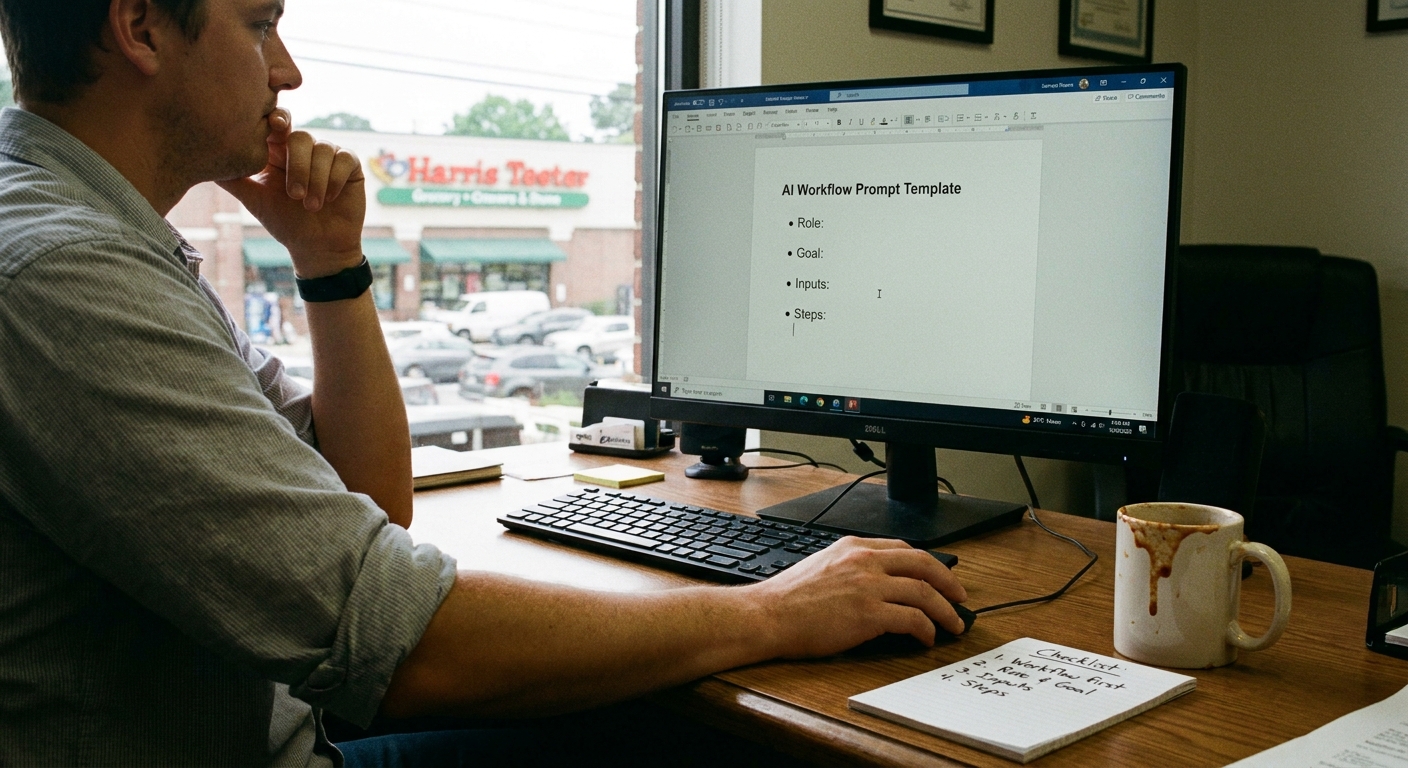
Try this instead. Use prompts that cover four things:
- Role – Who is the AI acting as?
- Voice – How should it sound?
- Goal – What do you want to get done?
- Rules – Things it should always do or never do
That’s it. Role, voice, goal, rules. You nail those, you’re 80% there.
Here’s the Game Plan
Let’s build a reusable prompt you can save in your AI email tool. I’ll walk you through it like we’re sitting on a bench under a live oak in Charleston, listening to the traffic hum over the Ravenel Bridge.
1. Start with the role
Instead of: “Write an email to this customer.”
Try something like:
You are my email assistant for a small home services business in Charleston, SC.
You’re replying as me, the owner.
You know my schedule is usually full 1–2 weeks out.
Simple. Clear. Human.
2. Add your voice
This is where the “sounds like you” part kicks in. Describe how you talk.
For example:
Write in a friendly, plain language tone.
Use short sentences.
Avoid big corporate words.
Be polite but not fake.
Use "we" when talking about the business.
You can even say, “I’m from the Carolinas, keep it relaxed and conversational.” The AI will get the idea.
3. Be clear about the goal
The AI does best when it knows exactly what “done” looks like.
For example:
Your goal is to:
- Answer their question clearly
- Offer the next step
- Keep the email under 150 words
That last line about word count? Huge. It keeps the AI from writing a novel when you just need a quick reply.
4. Add simple rules
This is the guardrail part. Stuff like:
Always:
- Thank them for reaching out
- Include my first name at the end: "Thanks, Chris"
- Mention our typical response time if needed

Never:
- Promise exact pricing over email
- Confirm an appointment without a date and time
You don’t need a ton of rules. Just the big ones you care about.
5. Then paste the actual email
After that setup, you drop in the email you got and ask very clearly:
Now read the email below and write a reply that follows all the instructions above.

[PASTE EMAIL THREAD HERE]
That whole thing? That’s prompt engineering. Not scary. Just specific.
What This Looks Like in Real Life
Let me give you a real example from a shop owner I know in North Charleston who sells custom signs. She was drowning in quote requests.
Here’s the type of prompt she uses now for her AI email assistant:
You are my email assistant for a small custom sign shop in North Charleston, SC.
You reply as me, the owner.

Voice:
- Friendly, casual, clear
- Short paragraphs and simple words
- No sales hype

Goal:
- Answer their question
- Ask for any missing info we need to give a quote
- Suggest the next step

Rules:
- Never promise exact pricing without size and material
- Keep replies under 120 words
- Always sign as "Thanks, Danielle"

Now read the email below and write a reply that follows all the instructions above.
She saved that as a template in her AI tool. Now every time a new quote request hits her inbox, she:
- Opens the template
- Pastes in the customer’s email
- Skims the AI draft, tweaks a line or two
- Hits send
Does she still read the message before it goes out? Yep. Because she’s smart. But the AI does 80% of the boring part for her.
A Quick Story from the Road
Earlier this week, driving from Raleigh down toward Wilmington, I stopped at a Sheetz off I-40 and checked my own inbox (bad habit). A local accountant had messaged me:
“We tried an AI email tool. It sent a super formal reply to a guy I’ve known 15 years. He called me to ask if I’d hired a New York lawyer.”
That made me laugh out loud in the parking lot. But it also proved the point: the tool wasn’t the problem. The prompt was.
We rewrote his base prompt on the phone right there:
You are my email assistant for a small accounting firm in Raleigh, NC.
You reply as me, the owner.

Voice:
- Friendly and relaxed
- I know many clients personally
- It's okay to sound human and local

Goal:
- Answer their question
- Give clear next steps
- Keep it under 100 words

Rules:
- Use first names
- Never sound like a law firm
- Always sign as "Thanks, Mark"
He tried it on the next client email. His text back to me was: “Okay, that actually sounds like me. This might work.”
Real talk: I don’t know everything, but I’ve seen this pattern over and over. The moment people get specific in their prompts, their stress level about AI drops way down.
A Weird Little Discovery
Here’s something small that helps a lot: give the AI one or two examples of your own writing.
For instance, copy an email you wrote recently that you liked and say:
Here is an example of how I normally write to customers:

[PASTE YOUR EMAIL HERE]

Match this style in all future replies.
That one step makes the AI feel way less stiff. Kind of like giving it your “accent.”
And if you ever think, “This still sounds off,” tell it that too:
That reply sounds too formal. Make it 20% more casual and shorter.
You can talk to it like you’d talk to a new hire. “No, not like that, try this instead.” It actually listens.
The Honest Truth
If you’re hoping AI will magically erase your whole inbox with no effort, you’re going to be disappointed. But if you’re willing to spend one afternoon building 3–5 good prompts, your future self is going to be very, very grateful.
Here’s a simple starter list to work on:
- A prompt for customer questions
- A prompt for quote requests
- A prompt for follow-ups (“Just checking in on…”)
- A prompt for polite declines (“We’re not a good fit for this project”)
- A prompt for scheduling and rescheduling
Each one can follow the same pattern: role, voice, goal, rules, then paste the email.
That’s how prompt engineering for AI email writing assistants stops being some tech buzzword and starts being… just how you work.
Something to Think About
Next time you’re sitting in your truck outside a job in Summerville, or waiting on your food at a spot like Melvin’s BBQ in Mt. Pleasant, scroll your inbox and ask yourself: which of these replies are basically the same every time?
Those are the ones you can hand off to AI with good prompts.
Start small. One workflow. One prompt. Then another. Little by little, you’ll build your own quiet system of how to use AI to automate email communication workflows that fits your business, your voice, and your sanity.
And if you ever feel weird about it, just remember: you’re not handing your relationships to a robot. You’re just letting it type the first draft, so you can get back to actually running your business… and maybe enjoying your BBQ while it’s still hot.