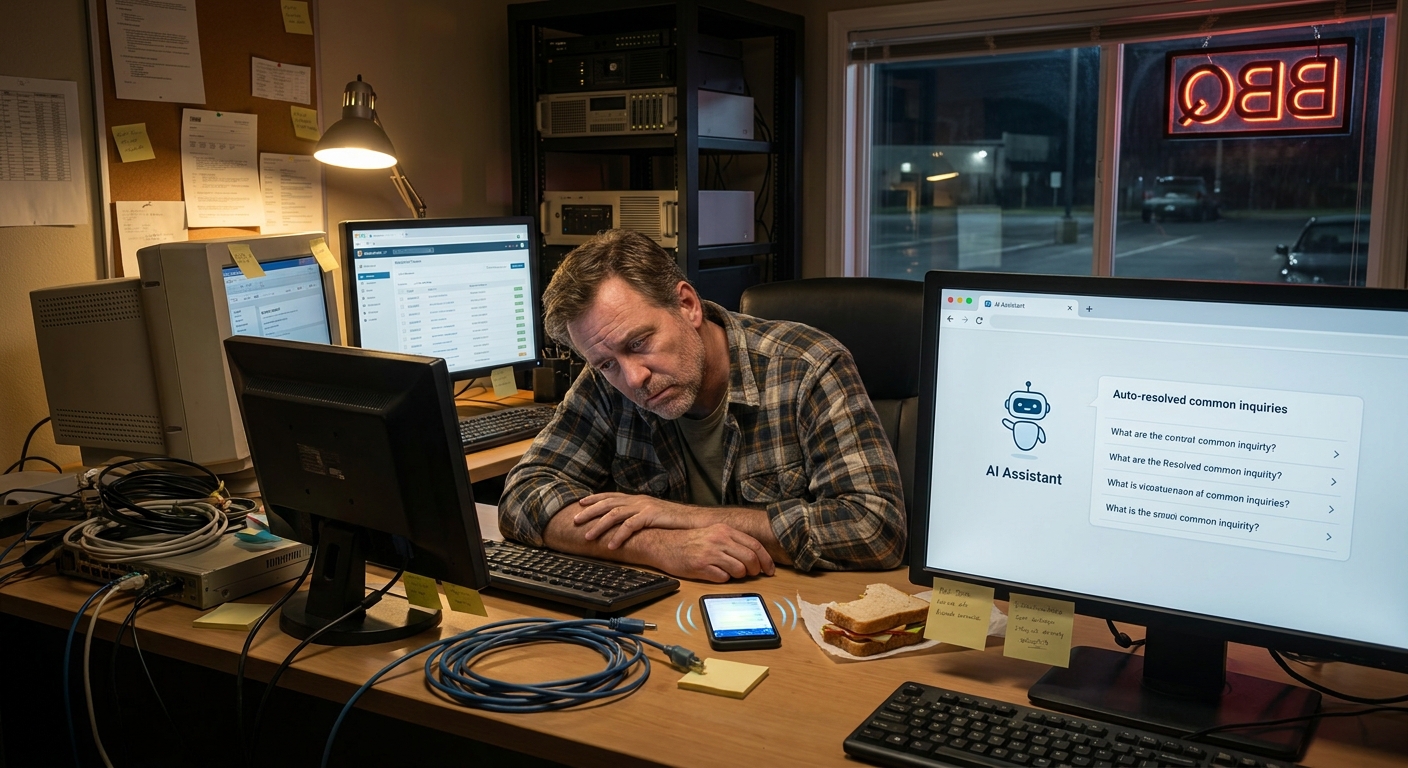
I was standing in line at Hudson’s BBQ in Lexington the other night, trying to decide if I really needed that banana pudding, when a guy behind me sighed and said to his wife, “If I have to send one more reminder invoice, I’m gonna lose it.”
He runs a small HVAC company over in West Columbia. Three techs. Two trucks. A phone that never stops ringing. And as he’s talking, it hit me: this is exactly the kind of service business that could use some simple ai workflow automation solutions for service businesses… without turning everything into some cold, robot shop.
So, Here’s the Deal
Most small service businesses around here are stuck in the same loop:
- Answering the same questions over and over
- Manually sending quotes and follow-ups
- Chasing payments and overdue invoices
- Trying to juggle schedules in a messy calendar
And you’re doing all that on top of the actual work — fixing AC units, cleaning houses, walking dogs, mowing yards, doing inspections, you name it.
Here’s the truth: you don’t need some giant fancy system. With a few basic ai workflow automation for small business tools, you can take a big bite out of that busywork and still sound like yourself.
The Part Most Folks Miss
When people hear “AI,” they think robots taking over the world. Or some giant tech setup they don’t have time or money for.
But here’s what most folks miss: you can start tiny. Like, “This used to take me 15 minutes, now it takes 30 seconds” tiny.
Here are some business tasks you can automate with ai workflows that make a real dent without blowing up your whole system:
1. Answering the Same Customer Questions
Ever feel like you’re copy-pasting the same email about pricing, availability, or “what’s included” in your service?
Set up a simple AI assistant (built into tools like Gmail, Outlook add-ons, or your CRM) to:
- Draft replies based on your past emails
- Use your voice and style (you train it with your own replies)
- Fill in details like service area, pricing ranges, and time windows
You still review and hit send. It just does the first 80% for you.
2. Quote Follow-Ups That Don’t Feel Pushy
Let’s say you send 10 quotes a week from your landscaping business in Summerville. Maybe 3 people reply. The rest? Crickets.
You can set up a workflow like this:
- You send the quote like normal.
- AI tags the email as “quote sent.”
- If no reply after 3 days, it drafts a quick, friendly follow-up for you.
- If still nothing after 7 days, it drafts a final check-in.
Messages sound like you, not a robot. But you’re not sitting there trying to remember who you need to nudge.
3. Booking and Rescheduling Appointments
Scheduling is where so much time gets wasted. Back and forth. “Does Wednesday at 3 work?” “No, what about Friday?”
Here’s a simple flow:
- Use a booking link tool connected to your calendar.
- Add a light AI layer that:
- Suggests best times based on drive time between jobs
- Blocks family time or school pickup so you’re not overbooking
- Sends confirmations and reminders automatically
Nothing fancy. But now you’re not trying to schedule a pressure washing job in Mt. Pleasant while you’re in line at Costco in Charleston.
4. Invoices, Payment Reminders, and Receipts
Money talk is awkward for a lot of folks. So it gets delayed. Which slows your cash flow.
Set up AI-powered workflows that:
- Create invoices automatically when a job is marked complete in your system
- Send a friendly reminder if it’s not paid by the due date
- Draft a “thanks for paying” email with the receipt attached
You still approve the first version and tweak the wording till it feels right. After that, it just runs.
What This Looks Like in Real Life
Earlier this week, I was walking the dog near the Riverwalk in Rock Hill. Humid as anything, sun bouncing off the water, my dog absolutely determined to sniff every single tree.
I bumped into a neighbor who runs a small cleaning service. Three crews, mostly working between Fort Mill and South Charlotte. She looked tired.
I asked how business was. She said, “We’re slammed. Which is good. But I spend my nights sending texts to confirm tomorrow’s appointments and replying to people who ask the same questions.”
We talked through a few simple changes she ended up making:
-
Text templates + AI drafting: Instead of typing every message from scratch, she has:
- “New customer” welcome texts it drafts for her
- “Day before” reminders that go out automatically
- “We’re on the way” messages triggered when a tech marks “en route” in their app
- FAQ email assistant: When someone emails, “What’s included in a standard clean?” an AI helper drafts a reply from her saved services list so she just checks it and hits send.
-
Missed call follow-up: If someone calls while she’s driving I-77, an automatic text goes out:
“Hey, this is Lisa with Palmetto Shine Cleaning. I missed your call but I’d love to help. Want to text me what you need or click here to pick a time for a quick call?”
A week later she told me, “I’m not less busy. But I feel less scattered.”
And honestly, that’s the win most people are after. Not some sci-fi setup. Just less mental overload.
Here’s the Game Plan
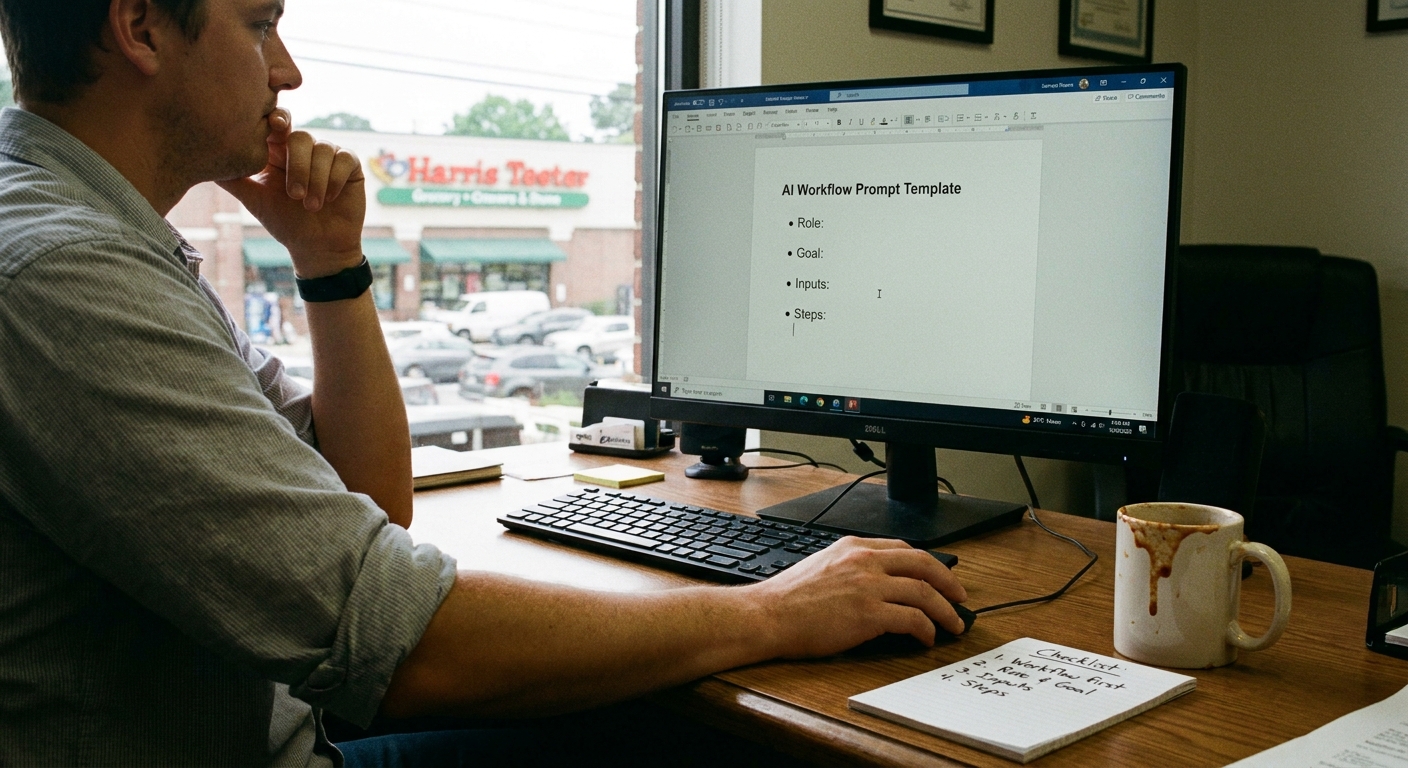
I don’t know everything, but here’s a simple way to dip your toe into ai workflow automation solutions for service businesses without getting overwhelmed.
Step 1: List Your Repeated Tasks
Grab a notepad at your kitchen table tonight. Or the back of a Bojangles receipt, doesn’t matter.
Write down the stuff you feel like you do over and over:
- Sending the same info to new customers
- Confirming appointments
- Sending directions or “how to prep” before you arrive
- Chasing unpaid invoices
- Typing the same replies on Facebook or Google messages
If you’re thinking, “I’m repeating myself a lot,” that’s usually something AI can help with.
Step 2: Pick Just One Workflow to Automate
Don’t start with everything. That’s where most people quit.
Pick one:
- Quote follow-ups
- Appointment reminders
- Missed call text replies
- Invoice reminders
Ask one simple question: “If this happened automatically 80% of the way, would my life feel lighter?”
Step 3: Use Tools You May Already Have
Here’s the kicker: a lot of the tools you already use have built-in AI or simple automation now.
- Gmail / Outlook – draft replies, schedule send, templates
- Booking tools – send automatic reminders and confirmations
- Accounting tools – send invoices and reminders on their own
- CRM or field service tools – trigger messages when job stages change
Most of them have guides or short videos showing how to turn these on. Start with one tiny piece and get it working well before you try the next.
The Honest Truth
You might be wondering, “Am I going to lose my personal touch if I start using AI?”
Real talk: only if you let it run wild without you.
Use AI to do the first draft, send the basic reminders, and handle the repetitive stuff. But you still:
- Approve messages before they go out (at least at the start)
- Write the “core” wording in your own voice
- Jump in personally when something’s sensitive or big
AI is the helper. You’re the boss.
And here’s the part people miss: when the boring stuff is handled, you’ve actually got more time and energy to shake a customer’s hand, remember their dog’s name, or sit with them for 5 minutes talking on the porch while your team finishes up.
Something to Think About
Next time you’re sitting in traffic on I-26 near North Charleston or crawling through downtown Raleigh after a job, ask yourself one question:
“What am I doing over and over that a simple AI workflow could handle for me?”
If something pops into your head right away, that’s your starting point.
You don’t have to become a tech expert. You don’t have to change everything at once. Just pick one small piece of your day and let AI take the first pass.
Long story short: the goal isn’t to run some fancy “AI-powered” business. The goal is to run a sane one that doesn’t eat up your evenings and weekends.
And if you’re standing in line at some little BBQ spot one night, grumbling about invoices or reminders, well… that might be your sign it’s time to start.