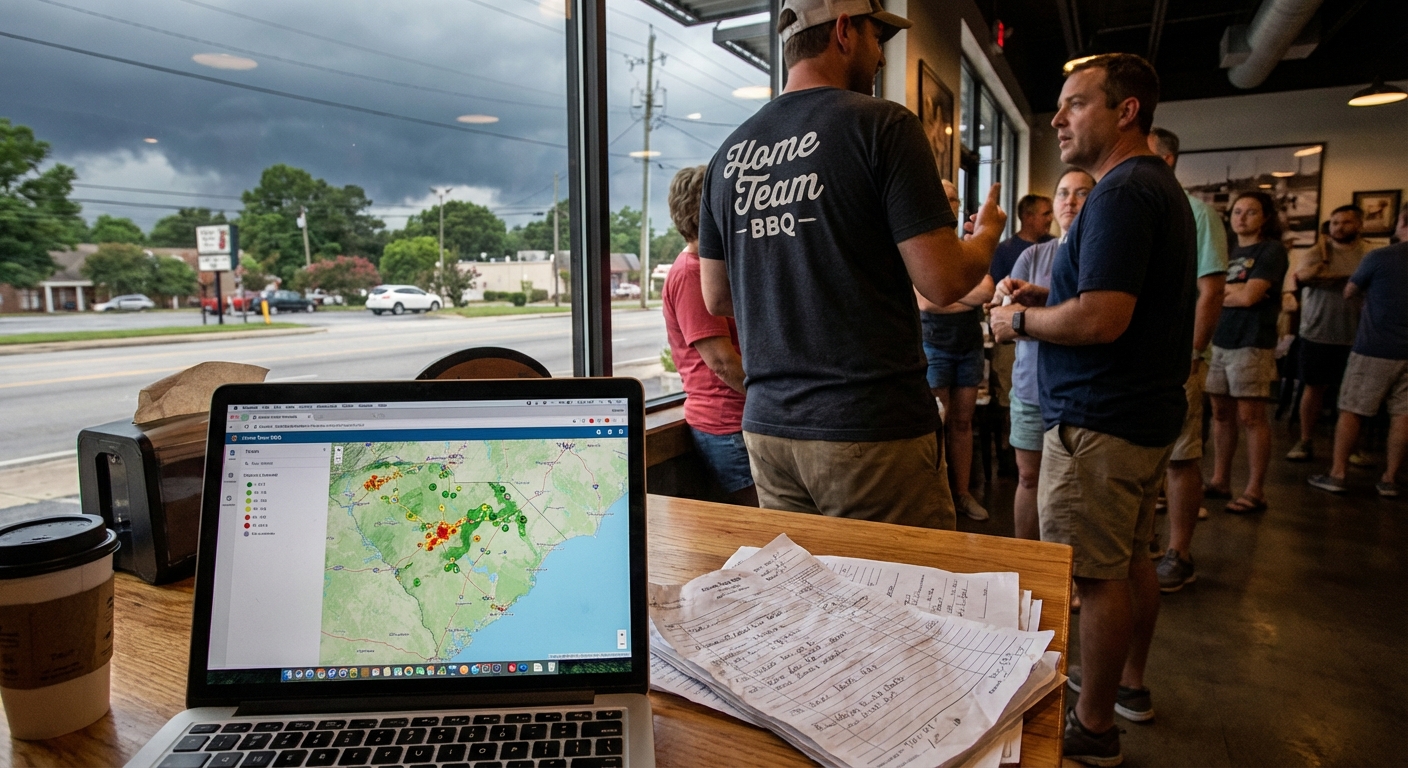
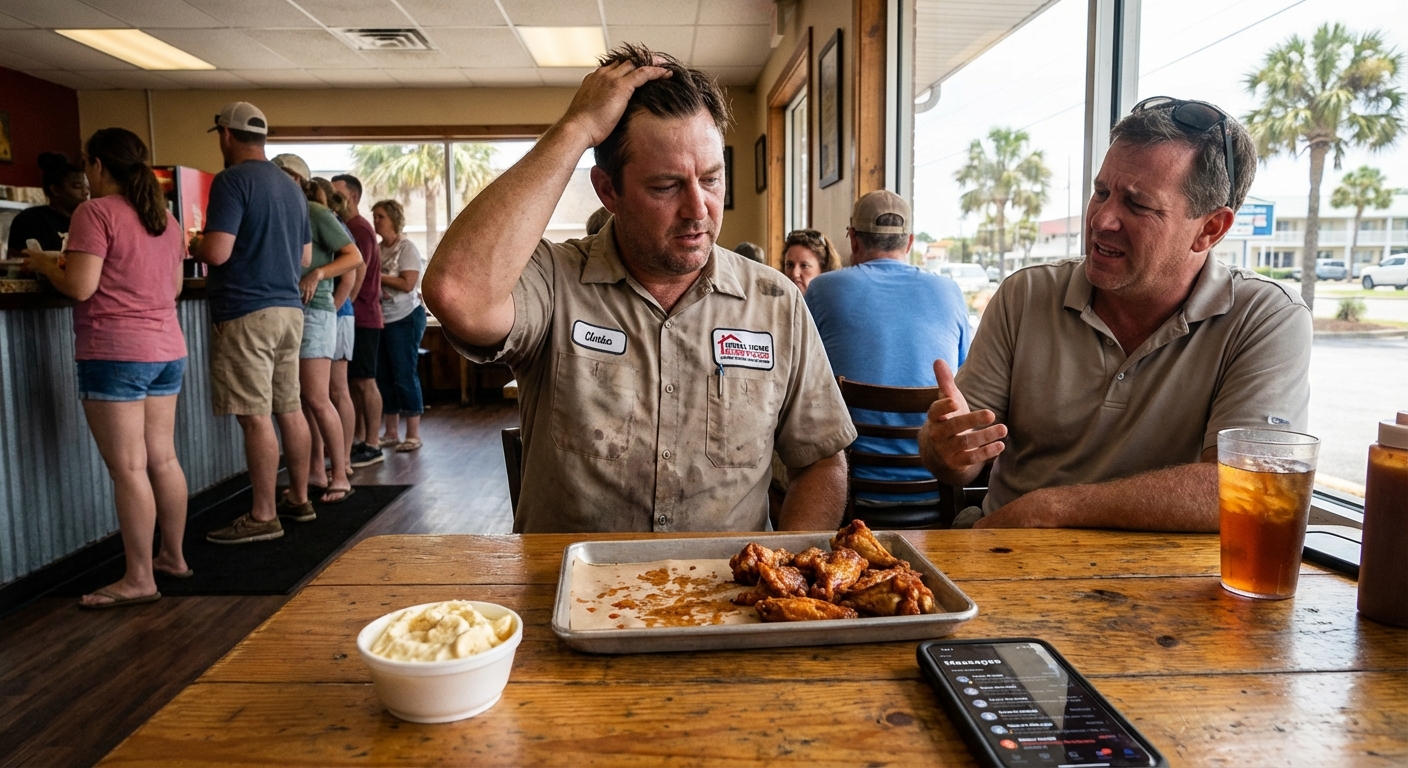
I was standing in line at Home Team BBQ in Columbia the other night, sweat sticking my shirt to my back,
watching a summer storm build up over the Congaree.
Lightning way off in the distance. That thick, heavy air that just says, “Yeah, we’re about to dump on you.”
The guy in front of me, worked for a small town outside Florence, starts talking about flooding.
How one bad storm shuts down the same three roads every time.
And out of nowhere he asks, “You think this whole AI for hazard mitigation and resilience planning thing is real, or just buzzwords?”
That’s what got me thinking about how our towns, counties, and even small businesses around the Carolinas could actually use this stuff. Not pie-in-the-sky tech talk. Just… practical help.
So, Here’s the Deal
When people hear “AI” they picture robots and Hollywood.
But for hazard planning? It’s a lot more boring. And honestly, that’s good news.
AI is really just patterns and predictions.
It looks at old data and helps you answer very human questions:
- Where does it usually flood when we get 6+ inches of rain in a day?
- Which neighborhoods lose power the longest?
- Which roads do we really need to clear first for ambulances and fire?
- Who’s most at risk if things go sideways? Seniors, folks without cars, low-income areas?
You still make the decisions.
AI just helps you see the patterns faster and more clearly than scrolling through a mess of spreadsheets.
The Part Most Folks Miss
Something I keep seeing with cities and counties around here:
they think “using AI” means buying some huge platform and spending six months onboarding.
Honestly? For a lot of small towns, small businesses, and local nonprofits, the win comes from simple AI workflow automation for small business style tools.
Not giant “resilience platforms.” Just small workflows that run in the background.
Here are a few business tasks you can automate with AI workflows that directly help with hazard mitigation and resilience:
-
Automatic weather and risk summaries
Pull in NOAA alerts, local flood gauges, and radar.
Have AI summarize, “Here’s what might hit our area in the next 48 hours” in plain language and email it to key staff. -
Priority lists for outreach
Use your existing resident or customer list.
AI can flag addresses in low-lying areas, mobile homes, or folks who needed help last time.
Then you’ve got a call or text list ready before the storm. -
Damage report clean-up
After an event, people send in messy reports: emails, Facebook DMs, forms with half the fields missing.
AI can read all that, tag location, type of damage, and drop it into a clean sheet for your team. -
After-action summaries
Feed in meeting notes, emails, and incident logs.
AI can draft a simple “What worked, what didn’t, what to fix before next time” report.
None of that replaces your emergency manager.
It just keeps them from drowning in paperwork when they should be out making calls and real decisions.
What This Looks Like in Real Life
Earlier this week I was walking the dog near the Battery in Charleston.
High tide, little bit of wind, that faint salt smell rolling in off the harbor.
And I kept watching folks sidestep those big puddles that show up on a “normal” high tide now.
A coastal town like Charleston, Wilmington, or even down on Folly Beach has a pretty clear problem: water.
Too much of it. In the wrong places. At the wrong time.
Here’s how a simple AI setup can help with hazard mitigation and resilience planning without blowing the budget.
1. Collect the stuff you already have
Most towns already have:
- Old flood maps and sea-level projections
- Lists of past road closures
- Photos from residents on social media
- Work orders – “pumping station failed,” “culvert clogged,” “tree down on x road”
Step one isn’t “buy fancy AI.”
It’s, “Let’s get all this in one place so AI can actually read it.”
2. Use AI to find repeat problems
You can run an AI model over those records and ask simple questions like:
- Which streets show up more than five times in flood reports?
- Do certain pump stations or drainage ditches fail after a certain amount of rain?
- Are we seeing more frequent problems in certain neighborhoods over the last 5–10 years?
Then instead of arguing by memory (“I swear it’s always that intersection!”)
you’ve got data that says, “Yep, it’s that intersection. 23 times in 4 years.”
3. Turn that into a simple action plan
That’s when AI gets actually helpful:
- Drafts a ranked list of projects by impact: “Fix this culvert, then raise this road, then clear this ditch monthly.”
- Creates a simple map showing hot spots you can share with council or the public.
- Helps outline grant applications by pulling in your data and writing the “problem” section in plain language.
Real talk: writing those FEMA or state grants is painful.
AI can’t sign anything for you. But it can sure help you draft the 10 boring sections everybody hates.
A Quick Story from the Road
A while back I was driving through North Charleston after one of those nasty pop-up storms.
You know the ones where it’s dry in Summerville, but Rivers Avenue looks like a shallow river.
I stopped at a gas station, and the clerk, older guy, shakes his head and says,
“Same three spots flood every time. They been talking about fixing it since my kids were in school.”
Here’s where most people get stuck:
- No one has time to pull five years of incident reports.
- No one wants to fight with old databases and hand-written notes.
- Everybody’s busy putting out the latest fire. Or storm. Or whatever.
That’s where a small AI workflow actually shines.
One city I talked to (not naming them here) did something simple:
- Every time a worker logged “flooded roadway,” it went into a shared sheet.
- Once a week, an AI tool summarized new entries and updated a map.
- After a few months, they had a crystal-clear picture of repeat problems.
No new staff. No million-dollar software.
Just a handful of ai workflow automation for small business style tools glued together.
And get this: when they went after grant money, they actually had something to show.
Dates. Locations. Counts. Before/after photos.
They got funded. Not because of AI alone, but because AI helped them organize the proof.
The Honest Truth
I don’t know everything, but I’ve seen this pattern enough to feel pretty confident saying this:
if your town, county, or even your utility company isn’t at least testing ai for hazard mitigation and resilience planning, you’re going to feel behind in a couple years.
That doesn’t mean you need a “Chief AI Officer” or some big flashy rollout.
It might just mean:
- Let one staffer run a pilot project on one hazard (like flooding or winter storms).
- Start with automations that save time, not “change everything.”
- Use AI to draft, humans to review. Always keep the local gut check.
Because at the end of the day, AI doesn’t know that a certain dirt road in Spartanburg gets washed out every March.
Your road crew does.
AI just helps pull those stories together into something you can act on and fund.
Here’s the Game Plan
If you’re sitting on a planning board, working for a city, or even running a small business that needs to stay open during storms, here’s a simple way to start:
-
Pick one hazard
Flooding in West Ashley. Wind damage in Wilmington. Ice on I-77 near Charlotte.
Don’t try to fix everything at once. -
Gather what you already have
Old reports, photos, emails, call logs. It’s messy, that’s fine. -
Set up one AI workflow
Maybe it’s “weekly incident summary” or “damage report clean-up.”
Keep it small enough that one person can own it. -
Use the output to make one real decision
Change a route. Adjust a priority list. Pick one project for a grant app. -
Review with real humans
Sit in a room (under a humming fluorescent light, probably) and ask,
“Does this match what we see on the ground?”
If it helps you make one better call before or after the next storm, it’s already paid for itself.
Something to Think About
Standing in that line at Home Team, storm rolling in, I kept thinking about how much of our “planning” is really just memory.
“Last time it flooded here.” “I remember that road washed out.” “We should really fix that someday.”
AI doesn’t care about lunch breaks or who’s in office this election cycle.
It just remembers. All of it. And helps you see it on one page.
So if you’re in a spot where the next hurricane, ice storm, or summer downpour could really hurt your people or your business, maybe it’s time to test a tiny bit of AI.
Nothing fancy. Just one or two workflows that make your hazard planning a little less guesswork and a little more clarity.
And if you want to bounce ideas around about what that first workflow could be for your town or organization, reach out.
I’m usually somewhere between Charleston and Columbia, probably stuck at a red light on I-26, happy to talk it through.