I was leaning on my truck outside a Bojangles in Greenville the other morning, sipping sweet tea way too early for that much sugar, when a buddy who runs a small HVAC company walked up and just sighed.
“Man, I bought this AI thing to help with emails,” he said, “but my team keeps typing one-line prompts like ‘write reply’ and then complaining it sounds like a robot. How am I supposed to teach them this stuff?”
That right there is the heart of it: figuring out how to teach employees prompt engineering skills so AI actually helps instead of becoming another shiny tool nobody knows how to use.
So, Here’s the Deal
You don’t need your team to be “AI experts.” You just need them to get a few simple habits down.
Especially if you’re already thinking about ai workflow automation for small business, the magic isn’t just the software. It’s the prompts your people give it all day long.
So let’s keep this simple and practical. This is stuff you can run through with your team in an hour or two. No slides. No jargon. Just real examples from your own work.
Let’s Keep It Simple
If I had to boil how to teach employees prompt engineering skills down to one idea, it’d be this:
“Talk to the AI like you’d talk to a new hire on their first day.”
That’s it. But to make it teachable, break it into four basic moves your team can remember:
- Give context: Who are we? Who’s the customer? What’s going on?
- Give a role: Tell the AI how to behave (polite support rep, friendly project manager, etc.).
- Give an outcome: What do you want back? Draft, bullet list, short email, steps?
- Give an example: Show it a message or reply you like and say “sound like this.”
When you’re teaching your team, don’t start with theory. Start with one real task they already do, like email replies.
The Part Most Folks Miss
Something I keep seeing with prompt engineering for ai email writing assistants is this: owners focus on the AI tool, not the prompts.
They’ll say, “We use this fancy platform now,” but they never sit down with their team and say, “Here’s exactly how we want to talk to customers.”
Here’s a simple way to fix that with your crew:
1. Start With 3 “House Style” Examples
Grab three real emails you love. Could be:
- A support reply that calmed down an upset client
- A sales email that actually got a “yes”
- A friendly follow-up that sounds like your actual voice
Print them or drop them in a shared doc. Sit with the team and ask:
- What feels “like us” here?
- Do we use “hey” or “hi”? Do we sign off with “Thanks” or “Best” or something else?
- How formal are we with clients?
Then turn those into a tiny style guide your team can paste into prompts. Example:
Our voice:
- Friendly but not silly
- Short paragraphs
- We say "Hi [FirstName]," not "Dear"
- We avoid big buzzwords; we keep it plain
- We always offer a next step or ask a question
2. Teach a Simple Email Prompt Template
Show them a fill-in-the-blank they can use with any AI email assistant:
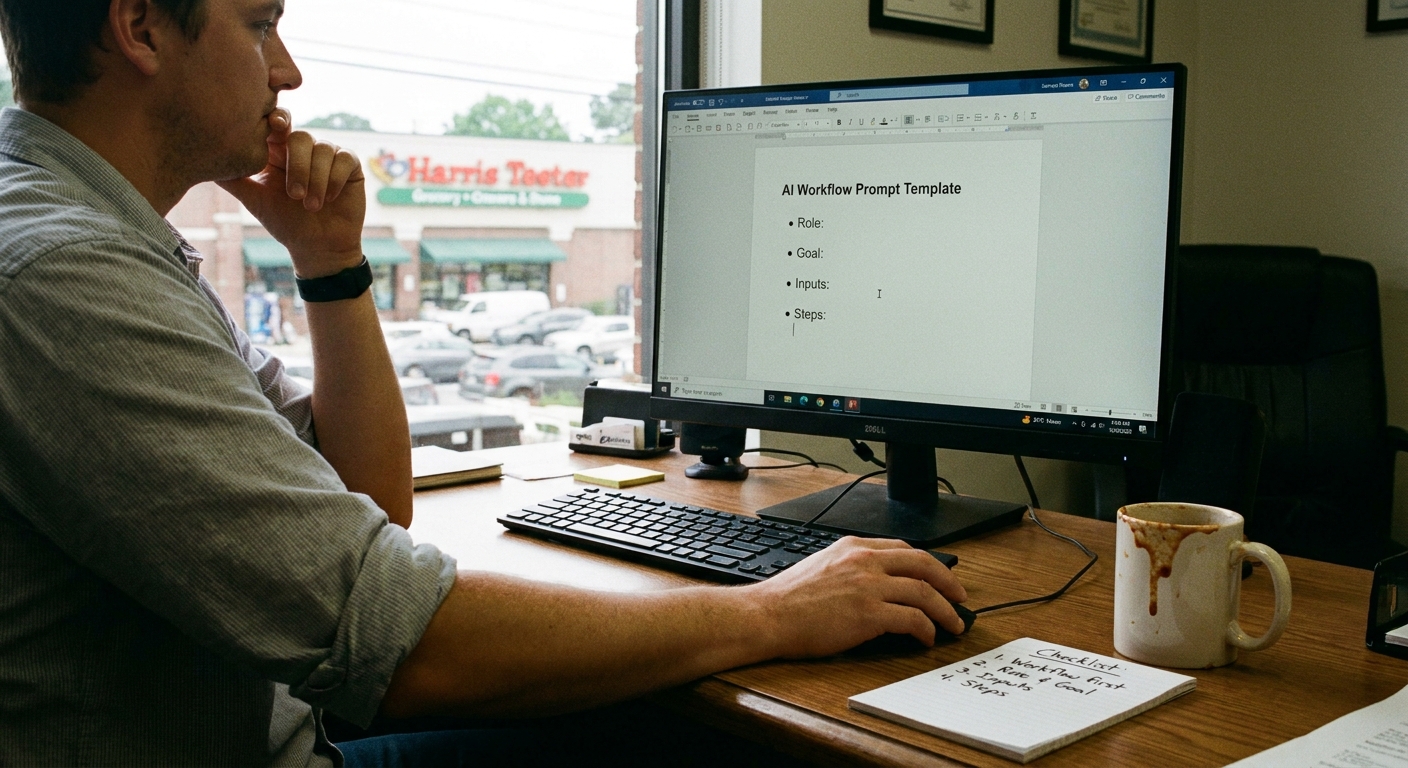
You are a [role, like "customer support rep"] at [company name] in [city].
Our voice:
[Paste your short style guide here.]

Task:
Write a reply to this customer email:
[Paste their email]

Goal:
[Soften their frustration / confirm appointment / ask for missing info]

Output:
- Short email
- Friendly tone
- 2–4 sentences
Then, have them test it on a real email they handled yesterday. Compare:
- Their original reply
- The AI draft using the template
Ask: “What’s better? What’s worse? What would you tweak?”
3. Show Them “Prompt Iteration” in Real Time
This is where folks usually struggle. They think one bad AI draft means “it doesn’t work.”
During training, do this live:
- Use a simple prompt, get a so-so answer.
- Then say, “Okay, make it shorter and more casual.”
- Then say, “Now add one sentence explaining the next step clearly.”
Show them it’s a conversation, not a vending machine. You don’t just press a button once.
A Quick Story from the Road
Earlier this week I was in Lexington, standing in line at Price’s BBQ, trying not to ruin my dinner by eating too many hushpuppies out of the bag. The owner of a small landscaping company texted me.
He’d rolled out an AI email assistant for his office staff, hoping to speed up quotes and scheduling. One of his admins sent him this prompt:
“Write a professional email to client.”
And shocker: the reply sounded like a robot lawyer who’d never seen grass before.
So we fixed it. Over text. Here’s basically what we changed it to:
You are an office manager at a small landscaping company in Lexington, SC.
We talk to customers in a warm, simple, friendly way.
We avoid big technical terms and keep it easy to read.

Task:
Write an email to this client confirming tomorrow's visit and time.
Mention:
- The crew will arrive between 9–10am
- We'll mow, edge, and clean up debris
- They don't need to be home

Keep it:
- 3–5 sentences
- Friendly, not stiff
The wild part is: with that prompt, the AI draft sounded… pretty much like her. She changed two words, added a line about the weather (it’s the South, we have to), and hit send.
What I didn’t expect was what happened next: she started reusing that same structure for other emails. No one told her to. It just finally clicked.
Here’s the Game Plan
If you’re running a shop in Charleston, Raleigh, or anywhere else and you’re trying to blend AI and people without losing your mind, here’s a simple way to teach your crew:
Step 1: Pick 2–3 Real Workflows
Don’t try to train them on everything. Start with:
- Email replies to customers
- Internal messages (like status updates)
- Basic templates: quotes, follow-ups, reminders
This connects directly to ai workflow automation for small business: you’re training your people on the exact spots AI will touch most.
Step 2: Run a 45-Minute “Hands On” Session
Grab a small group. Sit in the conference room, the break area, or outside under the live oak if you’ve got one (shade helps thinking, I’m convinced).
Agenda:
- 10 minutes: Explain why prompts matter (show a bad vs. good example).
- 20 minutes: Let them rewrite prompts and compare outputs.
- 10 minutes: Create 2–3 “go-to” prompt templates together.
- 5 minutes: Decide where to save those prompts (Notion, Google Doc, whatever).
Step 3: Give Them a Tiny Prompt “Cheat Sheet”
Keep it short, like this:
- Tell the AI who it is (role).
- Tell it who we’re talking to (customer type).
- Tell it what you want (email, bullets, script, etc.).
- Tell it how long to make it.
- If you don’t like the first answer, ask for a new version.
Print it and tape it near their screen. Or stick it at the top of a shared doc.
Step 4: Make “One Prompt a Week” the Rule
Here’s where most teams fall off: no follow-through.
Try this: every week, ask each person to bring one prompt they wrote that worked really well. Toss them into a shared “Best Prompts” doc.
Over a couple of months, you’ll have a little library built from your actual business. Not theory. Not some random template from the internet. Your people, your voice.
The Honest Truth
I don’t know everything, but I’ve seen this pattern a lot from Charleston to Charlotte: the tech is rarely the real problem.
The problem is usually:
- Nobody explained what a “good prompt” looks like.
- Everybody’s a little scared to “mess it up.”
- Owners expect magic instead of conversation.
Teaching your team prompt skills is less about AI and more about communication. You’re just nudging them to be clearer, more specific, and more intentional with their words.
And here’s the kicker: those skills pay off even when the AI is off. Emails get cleaner. Messages get clearer. People repeat themselves less. Not a bad side effect.
Something to Think About
Next time you’re stuck in traffic near the Ravenel Bridge or waiting for your food at Poe’s Tavern on Sullivan’s Island, ask yourself this:
“If I hired a brand-new person tomorrow, what would I tell them before they emailed a customer on my behalf?”
That answer is the start of how to teach employees prompt engineering skills in your shop. Not a big course. Not a certification. Just real-world guidance turned into simple prompts your team can reuse.
Start there. Keep it small. Let it grow.
And if a prompt spits out something weird and clunky? No big deal. Just treat it like a rookie employee and say, “Okay, not bad… now try it again like this.”
Real talk: that’s all prompt engineering is for most small businesses anyway.