I was standing in line at Lewis Barbecue on North Nassau, sweat sticking my shirt to my back even in the shade, when my buddy Mark from West Ashley sighed and said, “Man, I keep Googling ‘how to use AI in my business charleston sc’ and all I get is confusing tech talk.”
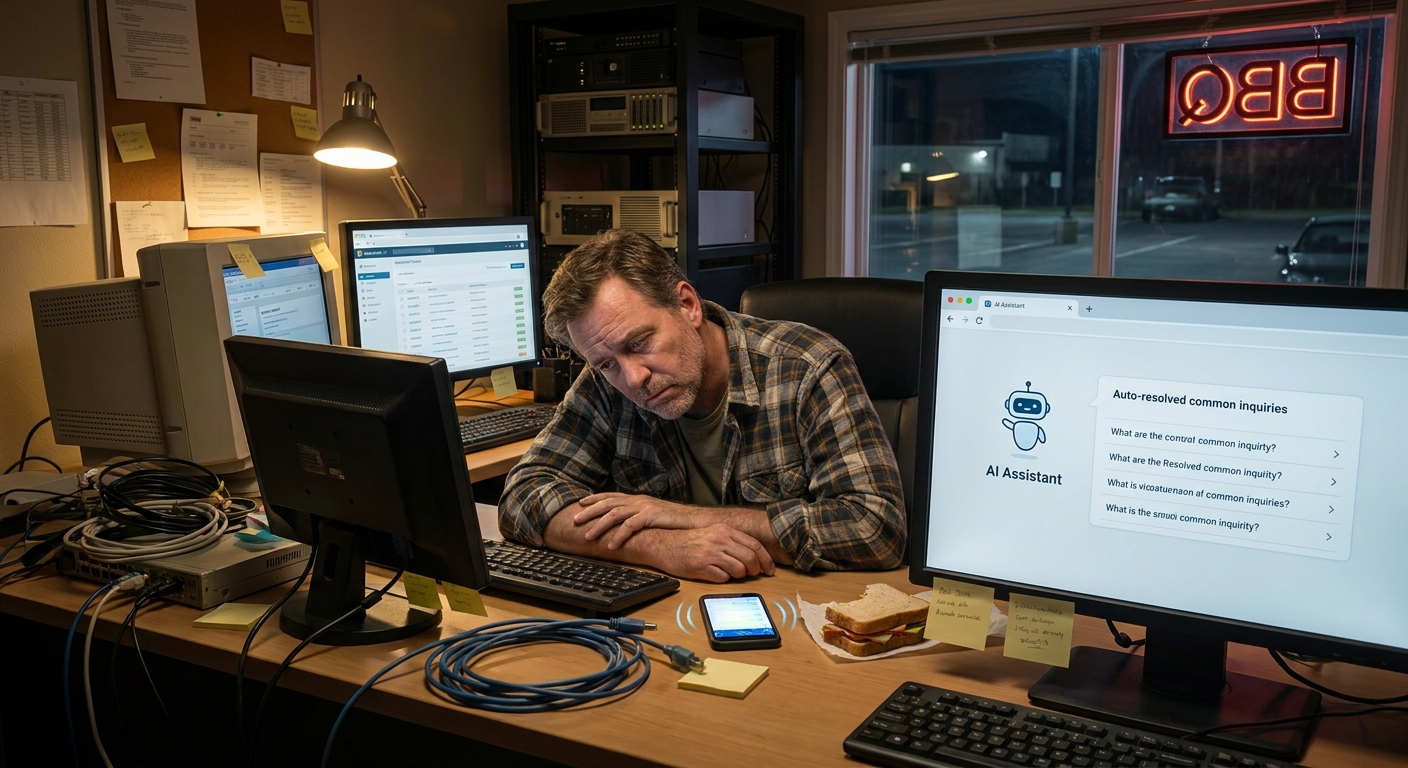
The smoker was rolling, somebody’s kid was chasing a lizard along the fence, and Mark’s phone kept buzzing with emails from customers. He looked tired. Not “I had a long week” tired. More like “I’ve been doing way too much myself for way too long” tired.
That’s what got me thinking about how local businesses here can actually use AI without needing a hoodie, a VC fund, and a team of engineers.
So, Here’s the Deal
You don’t need to “become an AI company.” You just need to stop doing 100 little things by hand that AI can quietly handle in the background.
Especially if you run a small business in Charleston or nearby — a shop in Avondale, a service company in North Charleston, a little office near the Ravenel where you hear traffic all day — AI can help you in three simple ways:
- Answer people faster without living in your inbox
- Stop copying and pasting the same info 20 times a day
- Keep track of leads, jobs, and follow-ups without sticky notes all over your desk
That’s where ai workflow automation for small business comes in. Fancy phrase. Simple idea: set up little “if this, then that” rules that AI follows for you.
Let’s Keep It Simple
Let’s walk through a few business tasks you can automate with ai workflows that actually make sense for a Charleston business owner who’s got more to do than read tech blogs.
1. Taming Your Inbox (Without Losing Your Voice)
Say you own a small home services business in Mount Pleasant. You’re driving over the Ravenel Bridge, phone dinging every few minutes. Quote requests. “Hey, can you come Thursday?” “Do you do work on James Island?”
Here’s what an AI email workflow can do:
- Auto-sort emails – New leads go to one folder, existing customers to another, invoices to another.
- Draft replies for you – AI writes a response based on your usual tone and info you’ve given it.
- Flag the urgent stuff – Anything with “today” or “urgent” or “ASAP” in it gets pinned.
You still hit send. You still tweak things. But now you’re fixing three replies instead of writing thirty from scratch.
2. Booking and Rescheduling Without Phone Tag
Maybe you run a salon in Summerville or a small consulting shop off King Street. People are messaging you on Facebook, Instagram, email, text… it’s chaos.
An AI workflow can:
- Send a booking link when someone asks, “How do I schedule?”
- Automatically confirm the appointment and add it to your calendar
- Send reminders 24 hours before, and again 2 hours before
- Let people reschedule without you picking up the phone
Suddenly you’re not stuck in that “Hey, does Tuesday at 3 work?” loop all day.
3. Following Up With Leads Before They Go Cold
This one hurts a little, because I’ve messed it up myself.
You talk to someone at a networking event downtown, or they fill out a form on your website, and you think, “I’ll follow up tomorrow.” Then tomorrow turns into next week. Then they hire someone else.
Here’s a simple AI workflow to fix that:
- When a new lead form is filled out, AI:
- Sends a quick “Got it, here’s what happens next” email
- Adds them to your CRM or even just a Google Sheet
- Schedules a follow-up email for 2 days later
- Sets a task reminder for you if they still haven’t booked after a week
Now leads don’t go quiet just because you got buried in other work.
The Part Most Folks Miss
When people ask how to use AI in my business in Charleston SC, they usually think about big stuff: replacing staff, building apps, doing wild predictions.
But here’s the truth: the real wins come from the boring little things.
Stuff like:
- Creating first drafts of quotes and proposals
- Summarizing long emails or project notes
- Turning messy bullet points into a clean email to a client
- Creating simple SOPs from your voice notes
It’s not flashy. But shaving 5–10 minutes off dozens of little tasks adds up. That’s an hour or two back every day.
What This Looks Like in Real Life
Earlier this week I was walking the dog down at Folly Beach early in the morning. Sun coming up over the water, damp sand, that salty wind that makes your coffee taste better somehow.
A local shop owner I know, Jen, runs a small vacation rental cleaning service on James Island. She told me, “I’m not a tech person. I just want my people to know where to be and my customers not to freak out.”
Here’s what we set up for her over a weekend:
- Job intake form – When a property manager sends a new cleaning job, it goes into a simple form instead of a messy email thread.
- AI parses the job – It pulls out:
- Address
- Date and time
- Special notes (pet hair, linens, etc.)
- Auto-assigns a cleaner – Based on area and availability.
- Text to the cleaner – “You’ve got a job at 123 Oak St on Tuesday at 9am. Notes: extra sand in entryway.”
- Confirmation email to the client – “You’re booked. Here’s who’s coming and when.”
Jen still checks the day’s schedule every morning. She still handles the weird situations. But she’s not manually stitching together jobs from emails anymore.
Real talk: it wasn’t perfect right away. The AI messed up one address (typed “Road” instead of “Lane”), and we had to tighten how it read the form. But after a few tweaks, it just hummed along.
I don’t know everything, but I’ve seen this pattern over and over — the first week is a little clunky, then it suddenly feels normal.
Here’s the Game Plan
If you’re wondering where to even start, here’s a simple path that won’t fry your brain:
- Pick one annoying task
The thing you say, “If I have to do this one more time…”
Examples:- Answering the same basic questions
- Sending booking confirmations
- Chasing people for missing info
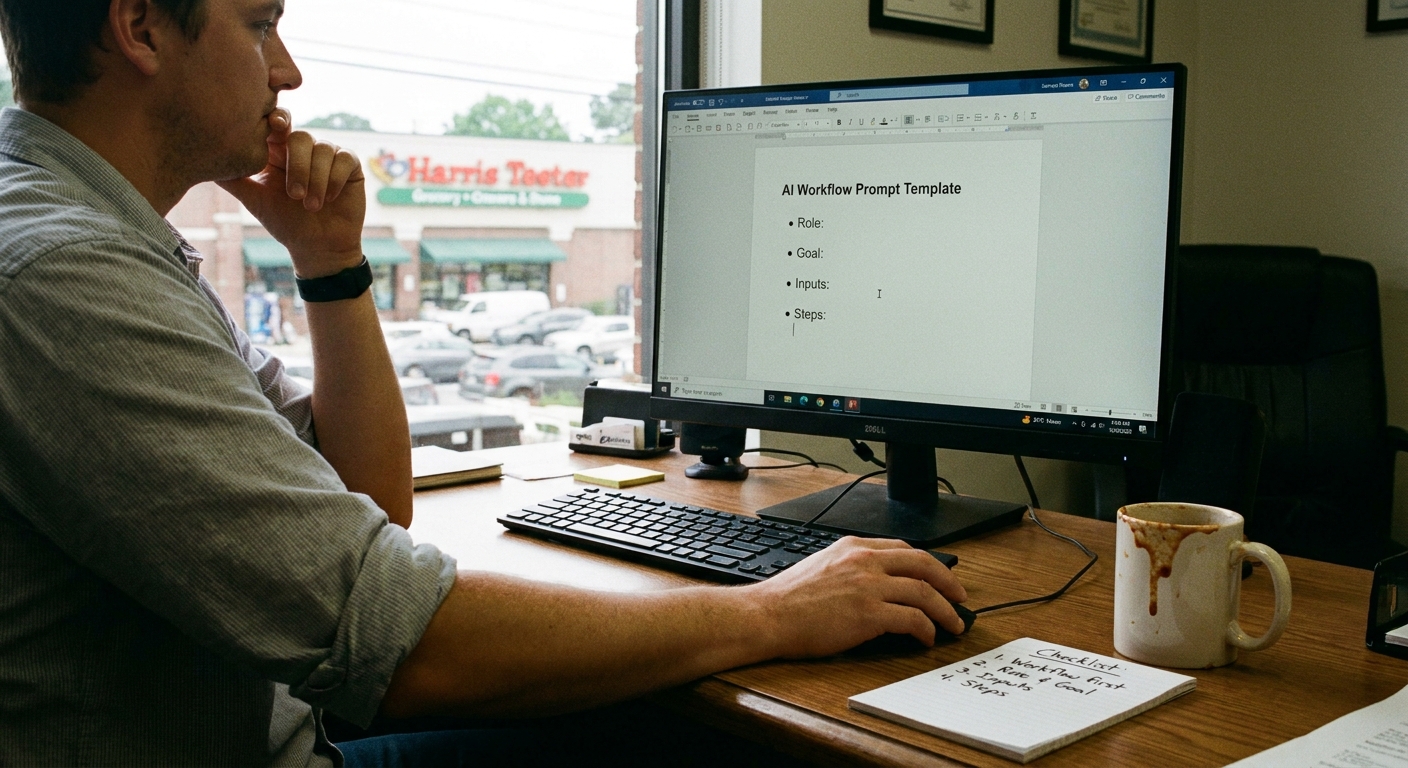
- Write out the steps on paper
Literally: If X happens, I do A, B, C.
(Messy notes are fine.) - Use a simple automation tool
Tools like Zapier, Make, or even built-in automations in your CRM can connect:- Your website forms
- Your email
- Your calendar
- Your spreadsheets or CRM
Many have AI features now that can write or parse text for you.
- Let AI handle the “words” part
Use AI to:- Write the first draft of emails
- Summarize what a customer asked for
- Turn messy info into a clean message
- Keep a human in the loop
At least at first, you:- Approve messages before they go out
- Check the schedule once a day
- Fix anything that looks off
Then something clicked for most folks I’ve worked with: once one workflow is running, they start noticing three more things they want to automate.
The Honest Truth
If you’ve ever felt like you’re the bottleneck in your own business, you’re not alone. Every owner I know around here hits that wall — from a two-person firm in downtown Charleston to a family shop off Rivers Avenue.
Using ai workflow automation for small business is less about being fancy and more about not burning out.
So if you’re still typing “how to use ai in my business charleston sc” into Google at 11pm after a long day, here’s my simple advice:
- Start with one tiny workflow
- Let AI help with words and repetitive tasks, not decisions
- Expect to tweak it for a week or two
And get this: once those first few business tasks you can automate with ai workflows are off your plate, you suddenly have time to think. To plan. Maybe even to sit on your porch under a live oak, feel that heavy humid air, and not be glued to your phone for a minute.
If you want help figuring out which workflow to start with, ask around. Talk to other owners. Or just jot down the five things you’re sick of doing every day and start with the easiest one. Low pressure. One step at a time.
Long story short: AI doesn’t have to change who you are as a business. It just gives you a little breathing room so you can keep doing what you’re actually good at.