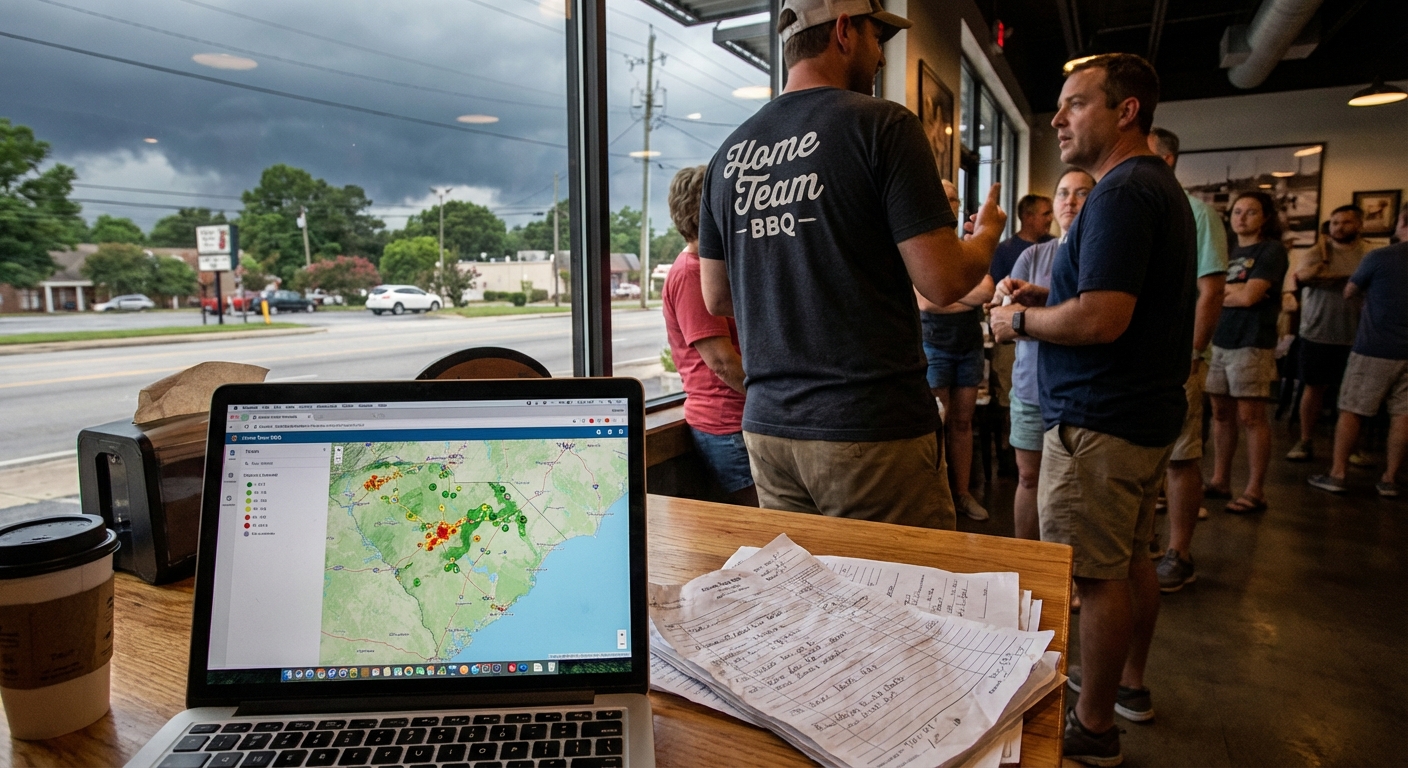
I was standing in line at Swig & Swine in West Ashley the other night, staring at the ribs, when my buddy Mark sighed and said, “Man, we lost another deal because nobody followed up in time.”
He runs a small sales team here in Charleston. Good people. Not lazy. Just buried. And his phone kept pinging with new web leads while we’re waiting for pulled pork. Every ding felt like money slipping away.
That’s what got us talking about ai lead assignment automation for sales teams right there between the hushpuppies and banana pudding.
So, Here’s the Deal
If you’re like most small businesses around here — whether you’re in North Charleston, Columbia, or tucked away in Summerville — your “lead assignment system” looks something like this:
- An email from your website lands in someone’s inbox
- They forward it to “the right rep” (maybe)
- Or they drop it in a shared spreadsheet
- Or it just… sits
And then everyone wonders, “Hey, who’s got that HVAC lead from yesterday?”
Here’s the truth: you don’t have a lead problem. You’ve got a lead assignment problem.
That’s exactly where ai workflow automation for small business actually makes sense. Not in some sci‑fi way. In a “stop losing money because nobody clicked reply in time” kind of way.
The Part Most Folks Miss
When people hear “AI,” they think robots, not routing. But assigning leads is one of the easiest business tasks you can automate with ai workflows.
Here’s what AI can quietly do in the background every time a new lead comes in:
- Read the lead – Name, email, company, what they asked for
- Score it – Is this a “kick the tires” person or ready to buy?
- Match it – Who on your team is best for this type of deal?
- Assign it – Drop it straight into the right rep’s CRM queue
- Alert them – Slack ping, text, email, whatever you use
All without a manager playing traffic cop.
And here’s the kicker: you can start small. You don’t need some giant software budget. Tools like HubSpot, Pipedrive, and Zoho already have basic automation built-in. You just add a bit of AI logic on top to make it smarter.
Let’s Keep It Simple
Let me walk you through a simple setup you can probably build in a weekend. No PhD. Just a little patience and some coffee.
1. Decide Who Should Get What
First, you need rules. Not fancy ones. Stuff like:
- Leads asking about “enterprise” go to your closer, not your newbie
- Leads from Charlotte go to your Charlotte rep
- Leads about “maintenance” go to the service team, not sales
- New leads with budget mentioned get top priority
Write these on a whiteboard (or napkin at Parker’s BBQ in Wilson, I won’t judge). This is your brain dump.
2. Plug Leads Into One Place
Your AI can’t help if your leads are scattered.
Pull everything into one spot:
- Website forms go into your CRM
- Facebook and Instagram leads go through a connector like Zapier or Make
- Phone call details (from a call tracking tool) get logged automatically
- Chatbot conversations push straight into “New Leads”
Think of it like all the roads leading into one roundabout, not a bunch of dirt roads into nowhere.
3. Let AI Read and Tag the Lead
Here’s where the AI piece earns its sweet tea.
You set up a simple AI step in your workflow that looks at:
- The message or form text
- Company size (if they shared it)
- Location
- Key phrases like “urgent”, “demo”, “pricing”, “today”
Then it adds tags like:
- “Hot lead”
- “Service request”
- “New install”
- “Charlotte” or “Greenville”
Those tags become your routing rules.
4. Auto-Assign Based on Your Rules
Once the AI has done its tagging, your workflow can:
- Send “Hot lead + Charlotte” to Taylor
- Send “Service request + Charleston” to Jamie
- Send “Cold lead + No budget mentioned” to a nurture sequence instead of a rep
No manager has to think about it. You just define the rules once and adjust over time.
5. Make Sure Reps Actually See It
This is where things break in real life.
You can assign leads all day, but if the rep doesn’t notice, it’s the same as sending it to the void.
So add alerts like:
- Instant Slack or Teams message with lead summary
- Text for “hot leads” only (so people don’t mute it)
- Daily email recap of “leads you haven’t touched yet”
It doesn’t have to be fancy. It just has to be loud enough they can’t miss it.
A Quick Story from the Road
Last month I was sitting in my truck outside a client’s shop in Greenville, AC on full blast because that 4 p.m. heat was no joke. They sell commercial cleaning services. Good crew. Small team of six reps.
Their problem? Leads came in from three places — website, Google Ads, and a referral form from a partner. Nobody knew who had what. The owner was constantly yelling down the hall, “Hey, did anyone call the church lead from Spartanburg?”
We set up a very simple ai lead assignment automation for sales teams using what they already had:
- All leads flowed into HubSpot
- An AI step looked at industry, size, and city
- We tagged “church,” “school,” “office,” and added a “rush” tag for anything mentioning “this week” or “ASAP”
- Leads were auto-assigned based on industry expertise and territory
- Reps got a Slack ping with a one-sentence AI summary: “New church lead from Spartanburg, 20k sqft, needs quote this week.”
Here’s what surprised me: they didn’t double their leads. They just stopped losing the good ones.
Within 3 weeks:
- Time-to-first-call dropped from “sometimes a day” to about 15 minutes on average
- They closed two big contracts they admitted they probably would’ve missed before
- The owner stopped playing air traffic controller and actually took a day off at Lake Keowee
I don’t know everything, but that felt like a win.
The Honest Truth
You don’t need AI to replace your sales reps. You need it to stop tripping them up.
If we’re being real, most teams around here are sitting on money they’ve already paid to find — those website clicks, those ads, those events at the convention center in Charlotte — and they’re losing it because the handoff is messy.
AI is just a way to clean up that handoff:
- Less “Who’s got this?”
- More “Oh, that’s mine, already in my queue”
- Less “We never called them back”
- More “We called them in 10 minutes and got the deal”
That’s the part people miss when they think about ai workflow automation for small business. It’s not about running the whole show. It’s about fixing the boring, important stuff that humans are frankly bad at when things get busy.
Here’s the Game Plan
If you’re reading this from a parking lot in Raleigh, waiting for your kid’s soccer practice to wrap up, and thinking, “Yeah, we’re dropping the ball on leads,” here’s a simple way to start:
- Write down where your leads come from. Website, calls, Facebook, referrals. All of it.
- List who should handle what. By territory, product, or deal size.
- Pick one tool to be “home base.” CRM, even a solid spreadsheet if you must (but really, get a CRM).
- Set up a basic workflow. New lead comes in → AI tags → assign based on tags.
- Add one clear alert. Don’t go crazy. Start with a simple notification your reps will actually see.
- Review after two weeks. What slipped? What worked? Adjust the rules.
And if you’re worried it’s going to be some massive project, it really doesn’t have to be. Start with one pipeline. Or even just one channel, like website leads first.
Something to Think About
Next time you’re stuck in traffic on the Ravenel Bridge and your phone buzzes with a new lead notification, ask yourself: “Do I know exactly who’s going to handle this… and when?”
If the answer is “uhhh, not really,” that’s your sign.
Set up one small workflow. Let AI do the boring sorting and routing. You and your team handle the conversations and the closing. That’s where the human part still matters most.
And if all you do this month is tighten up your ai lead assignment automation for sales teams so hot leads hit the right person fast? You’ll probably feel it — not in your software, but in your revenue.
Anyway, that’s my two cents. Now I’ve got to go walk the dog down by Folly Beach before it gets too dark. Humidity’s already thick as gravy.