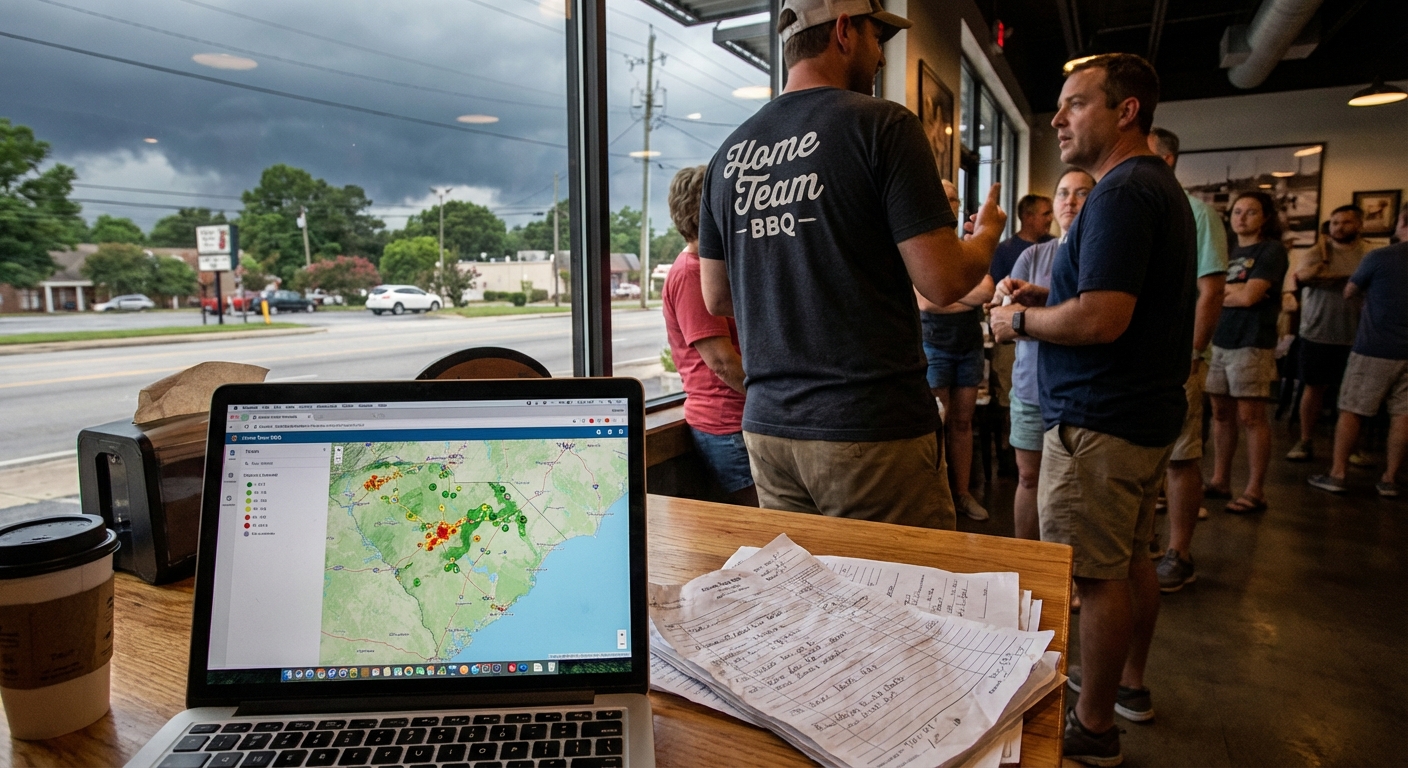
I was standing in line at Swig & Swine in West Ashley the other night, sauce on my shirt, phone buzzing like crazy. The guy in front of me runs a small HVAC company in North Charleston. He glanced back at me and said, “Man, I swear my business runs me. Not the other way around.”
While the smoker was puffing and the line crawled along, he started telling me how his techs were double-booked, quotes were getting lost in email, and customers were slipping through the cracks. Right there, between the hushpuppies and the sweet tea, we ended up talking about something he hadn’t really heard much about: simple ai workflow automation solutions for service businesses.
So, Here’s the Deal
If you run a service business – landscaping in Summerville, cleaning crew in Columbia, pressure washing in Greenville, dog grooming in Wilmington – your real problem usually isn’t “not enough hustle.”
It’s the juggling.
- Too many calls and messages coming in from everywhere
- Scheduling that lives in 14 different places
- Quotes and invoices that depend on you personally typing every single thing
- Customers waiting way too long for a reply
AI workflow automation for small business isn’t about replacing you or your team. It’s about taking those repeat, boring, “copy-paste” tasks and letting software handle them so you can focus on the work that actually pays.
Let’s Keep It Simple
Let me keep this plain. When I say “AI workflows,” I just mean this:
You set up a few rules once. Then tools handle the small stuff automatically.
Here are some business tasks you can automate with ai workflows without hiring a big tech team or spending all weekend learning new software.
1. New lead comes in → they get a fast, personal reply
Someone fills out the form on your website at 9:47 pm while you’re already in bed in Lexington. Here’s what can happen without you touching a thing:
- They get a text that uses their name and mentions the service they picked
- Your system logs them in a simple CRM (even a Google Sheet works to start)
- You get a quick summary by email so you’re not blind in the morning
The AI piece can read what they wrote and tag it as “estimate request,” “urgent repair,” or “general question.” Nothing fancy. Just organized. Which, let’s be honest, most of us aren’t when we’re tired and checking messages between job sites.
2. Estimate requests → draft quotes done for you
This one surprises folks the most.
Say you run a cleaning service in Mt. Pleasant. A new customer says:
“3 bedroom, 2.5 bath, about 2,000 sq ft, looking for bi-weekly cleaning.”
With an AI workflow:
- The system pulls your pricing rules
- Drafts a quote email with the right ranges
- Adds a “Book now” link tied to your calendar
You still approve it. You’re the boss. But you’re starting from a solid draft instead of a blank screen every time.
3. Appointments → automatic reminders and updates
This is where a lot of money quietly leaks out.
- No-shows
- “I forgot you were coming” texts
- Customers not home when your crew arrives
A simple workflow can:
- Send a reminder 24 hours before (email + text)
- Send a shorter reminder 2 hours before
- Reply with a friendly message if they text back “Need to reschedule”
That last part is the AI. It can understand “Hey, something came up, can we move this?” and respond with options based on your calendar. You still control the availability, but you’re not glued to your phone while you’re under a house in Spartanburg fixing a busted pipe.
4. After the job → follow-ups and reviews
This one might be the quiet hero.
After a job is marked complete in your system:
- Customer gets a “How’d we do?” message
- If they reply with something positive, the AI sends a link to Google or Facebook reviews
- If they’re unhappy, it flags it for you with a summary so you can step in
That’s how you grow your business without spending a single extra dollar on ads. Just healthier follow-up.
The Part Most Folks Miss
Something I keep seeing with service businesses around Charleston, Raleigh, even over in Greenville: folks assume automation has to be all or nothing.
It doesn’t.
You don’t have to “AI-ify” your whole company. You can start with one tiny, annoying thing.
For example, pick ai workflow automation for small business tools that just handle:
- Lead capture and quick replies, or
- Appointment reminders, or
- Review requests after each job
One little workflow, done right, will usually pay for itself. Fewer missed jobs. Faster replies. Less chaos. Then you can add the next one when you’re ready.
What This Looks Like in Real Life
A while back, I was walking my dog near Folly Beach, trying not to let him drink half the Atlantic, and I ran into a buddy who runs a small mobile detail service. Mostly minivans and work trucks, lots of sand and goldfish crumbs.
He told me:
“Man, I spend my nights answering Facebook messages and texts. By the time I’m caught up, it’s 11 pm and I still forgot someone.”
Here’s what we set up over a couple of afternoons (and, fine, one Bojangles run):
- A simple web form that fed into one inbox instead of five apps
- An AI assistant that:
- Read the request (car, SUV, truck, number of vehicles)
- Created a draft quote using his price list
- Saved all of it into a Google Sheet
- Text reminders the night before each appointment
Here’s the honest truth: the first week, it was a little weird for him. He kept checking behind the system, worried it would mess up. But after a month?
- No-shows dropped
- He booked more repeat customers
- He wasn’t tied to his phone every night
He told me, “I’m not sure I totally understand how it works, but I don’t care. I get my evenings back.”
I don’t know everything, but that’s usually the goal right there.
Here’s the Game Plan
If you’re curious where to even start with ai workflow automation solutions for service businesses, here’s a simple way to think about it.
Step 1: List your repeat headaches
On a scrap of paper, or the back of a napkin at Parker’s in Mt. Pleasant, jot down:
- The 3 things you repeat every single day
- The messages you type over and over
- The stuff that falls through the cracks most often
That list? That’s where automation belongs.
Step 2: Start with one workflow
Pick just one:
- New inquiries → instant, friendly reply
- Booked jobs → automatic reminders
- Finished jobs → review + follow-up request
If you try to do everything at once, you’ll hate it. And you’ll quit.
Step 3: Keep control of the human parts
AI should:
- Draft messages, not send life-or-death decisions
- Organize info, not decide who you fire or hire
- Help your team, not replace their judgment
You’re still the one who calls the customer when something goes sideways. You’re still the face on site. The AI just keeps the paperwork from swallowing you whole.
Something to Think About
As I walked out of Swig & Swine that night, ribs in hand, that HVAC owner from North Charleston said, “I just want my evenings back. I don’t need to be some tech company.”
And here’s the kicker: you don’t have to be.
You just need a few smart pieces in place. A couple of workflows that quietly run in the background so you can run the business the way you actually want to.
If you’ve ever felt like your phone is your boss and your inbox is out to get you, you’re not alone. Real talk: most service businesses in the Carolinas are in that same boat.
Start with one small workflow. See how it feels. Adjust. Then add the next one.
Before long, you’ll look up from your truck in a parking lot in Spartanburg, feel that humid air, hear the traffic rolling by, and realize: you’re not spinning quite so many plates anymore. And that’s a pretty good place to be.