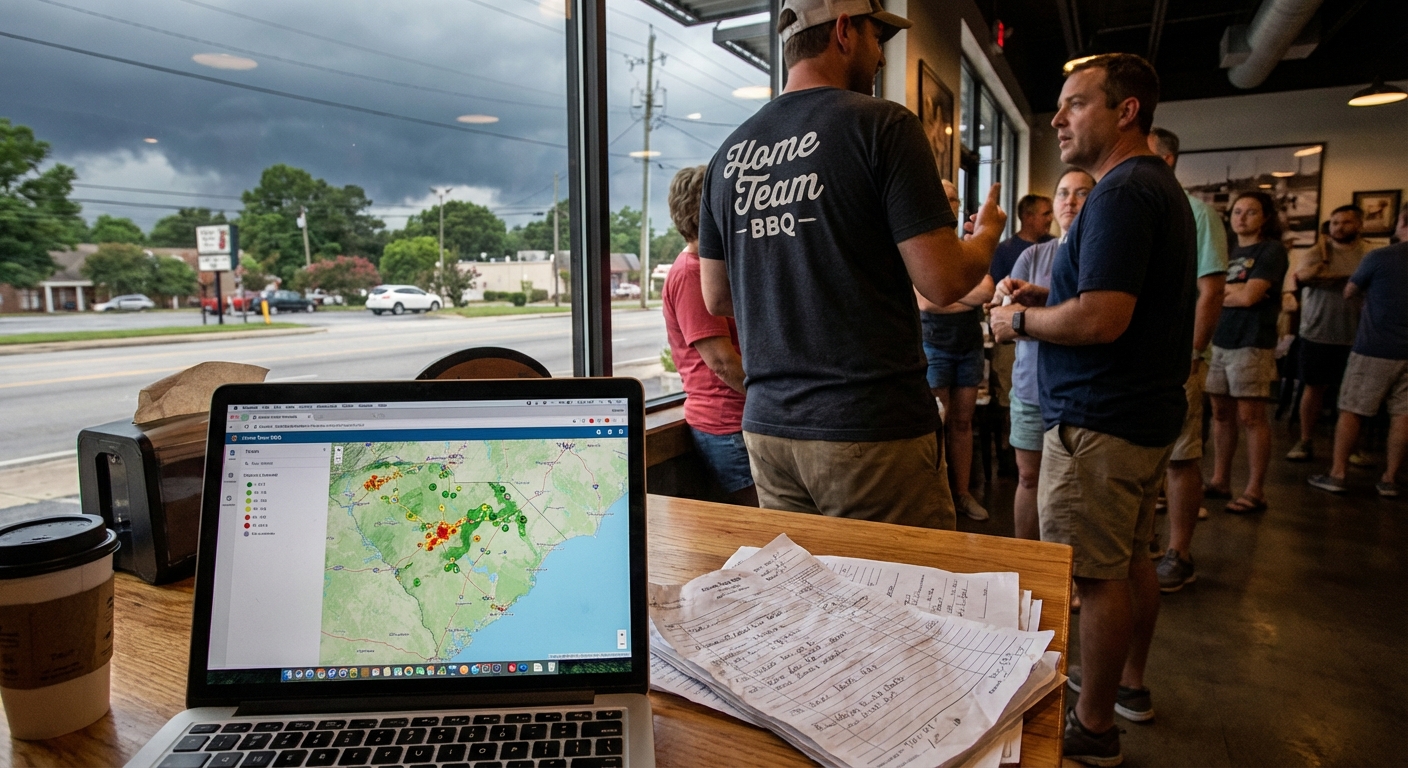
I was standing in line at Swig & Swine in West Ashley the other night, staring at the menu and pretending I wasn’t already set on the pulled pork plate.
Behind me, two folks in polos were talking about their “Monday meeting” like it was a root canal. One of them goes, “I always mean to prep an agenda, but I just end up winging it.”
And that hit me. Not the brisket smell. The fact that so many of us are still doing meeting prep the hard way, when we could be using simple ai automation for meeting prep and agenda creation instead.
So, Here’s the Deal
Most small teams around here – in Charleston, Columbia, Greenville, wherever – have the same problem:
- Meetings start late because nobody knows what they’re talking about.
- Half the time is spent asking, “Where did we leave off last time?”
- Everyone leaves with fuzzy “action items” that disappear by Thursday.
We blame it on being “busy,” but really, it’s because meeting prep takes time. Digging through email threads, old notes, last week’s tasks. It’s boring. So we skip it.
Here’s the thing though: this is exactly the kind of boring work that ai workflow automation for small business is actually good at.
Let’s Keep It Simple
Before we talk tools, let’s keep this real basic. A good meeting usually needs three things:
- A clear purpose – why are we here?
- A short agenda – what are we actually talking about?
- Clean follow-up – who’s doing what after this?
AI can help with all three without turning your day into a science project.
Step 1: Let AI Pull the Prep For You
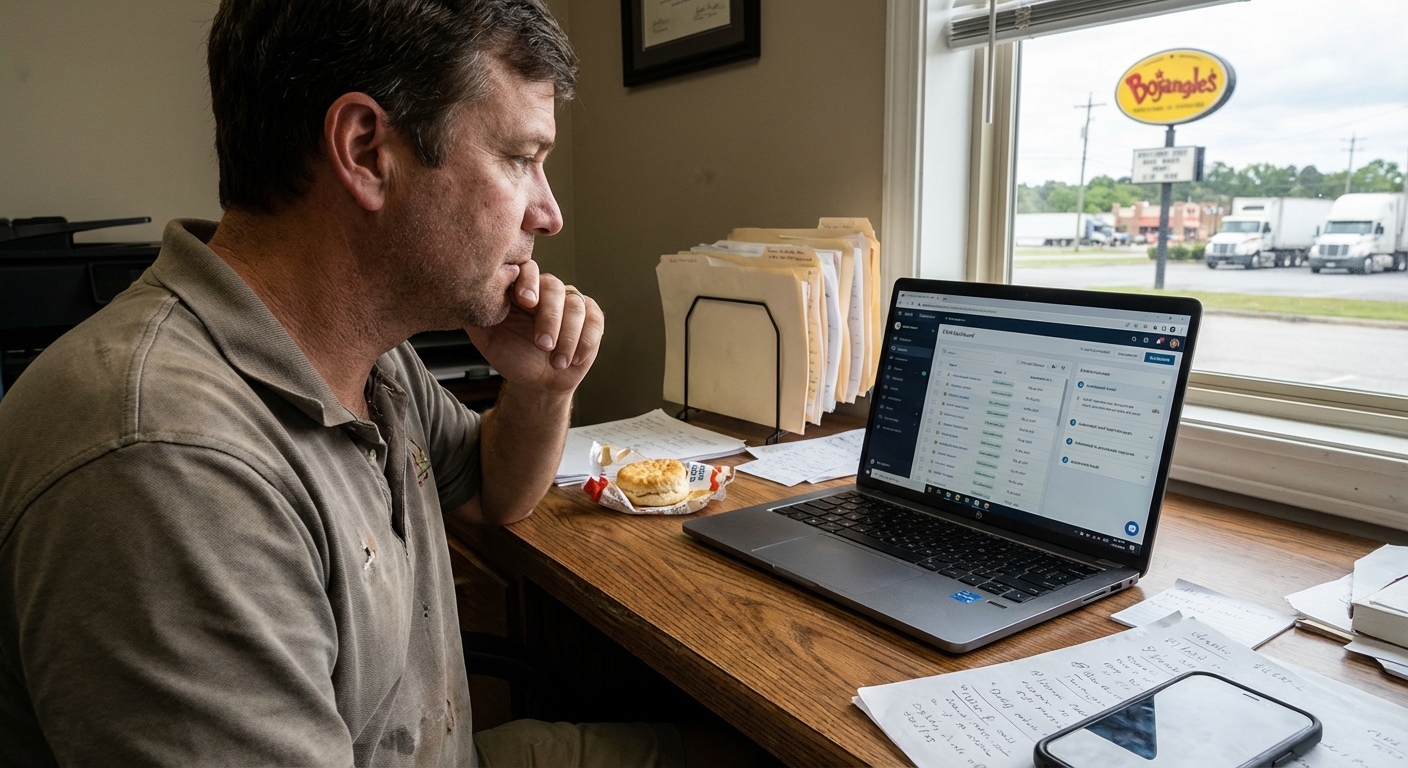
Picture this: it’s 8:40 am, you’re sitting in a parking lot off Woodruff Road in Greenville, sipping a Bojangles sweet tea before a 9:00 meeting. Instead of scrambling through your inbox, here’s what’s already happened in the background:
- Your calendar sees you’ve got a “Weekly Sales Check-In” at 9:00.
- An AI workflow runs 30 minutes before.
- It grabs:
- Last week’s meeting notes.
- Recent email threads with key clients.
- Open tasks in your CRM or project tool.
- It drops all that into a neat summary in your inbox or Slack.
This is where ai powered meeting notes and summary workflows shine. You’re not asking AI to “run your business.” You’re just asking it to gather the messy stuff you don’t have time to dig up.
Step 2: Turn That Mess into a Simple Agenda
Once the AI has pulled the raw info, you can have it turn that into a simple agenda like:
- Quick recap of last meeting.
- Top 3 deals we need to push this week.
- Roadblocks and help needed.
- Action items and owners.
The best part? You don’t have to write this from scratch. You can set up a workflow where your AI tool takes the summary and uses a prompt like:
“Create a short meeting agenda for our weekly sales meeting. Keep it under 5 bullet points. Use last week’s notes and open tasks to pick the topics that matter most.”
Then it emails that agenda to your team an hour before the meeting. Now folks show up knowing what’s coming. No more “So… what’s this about again?”
The Part Most Folks Miss
Here’s where people get stuck. They think, “Okay, cool idea, but I don’t have time to learn all this AI stuff.”
Let me be honest: you don’t need a PhD here. You just need a few simple building blocks:
- A calendar (Google Calendar, Outlook, whatever you already use)
- An AI note/summary tool (could be built into your meeting app or a separate tool)
- A basic automation platform (Zapier, Make, or something similar)
Then you wire up a small workflow like this:
- Trigger: “When a calendar event with ‘Meeting’ or ‘Check-In’ in the title is coming up…”
- Action 1: Collect related notes, emails, and tasks.
- Action 2: Ask AI to summarize what’s changed since the last meeting.
- Action 3: Ask AI to turn that summary into a 3–5 bullet agenda.
- Action 4: Send that agenda to the attendees.
I don’t know everything, but I’ve seen enough small businesses around Charleston and Raleigh run with this to know: once it’s set up, it just hums in the background.
A Quick Story From The Road
Earlier this week, I was walking the dog down near Folly Beach. The air was that sticky kind where your shirt clings to you by the time you hit the pier.
Buddy of mine calls. He runs a small construction outfit out near Summerville. Three crews, a tiny office, a very tired office manager.
He goes, “Man, our Monday safety meetings are a mess. Nobody remembers what we said last week. We waste 20 minutes just getting on the same page.”
So we kept it real simple. Here’s what we set up:
- Every Friday, their office manager drops quick bullet notes from the week into a shared doc.
- On Monday at 7:30 am, an AI workflow:
- Grabs last week’s bullets and any open issues.
- Summarizes “Top 3 safety issues from last week.”
- Drafts a 10-minute safety meeting agenda.
- Texts it to the crew leads.
No fancy dashboards. No huge software rollout. Just little business tasks you can automate with ai workflows that make those early morning meetings not feel like a circus.
He called me a few weeks later and said, “We’re starting on time now. And the guys actually know what we’re talking about.”
That’s it. That’s the win.
Here’s the Game Plan
If you’re thinking, “Okay, but what would this look like for my team?” here’s a simple way to try it without blowing up your whole system.
1. Pick One Recurring Meeting
Don’t start with everything. Choose one:
- Weekly sales check-in
- Monday team huddle
- Project status meeting
- Client update call
Just one. That’s your test case.
2. Decide What “Good” Looks Like
Ask yourself: if this meeting went smooth every week, what would always be true?
- We always start on time.
- Everyone knows the 3 main topics.
- We leave with a clear list of who’s doing what.
Write that down. That’s what your AI prep and agenda creation should help with.
3. Use AI Once Manually
Before you automate anything, run it by hand:
- Copy last meeting’s notes and recent emails into an AI chat tool.
- Say something like: “Summarize what changed since our last meeting and draft a 4-bullet agenda for our next one. Keep it short and clear.”
- Tweak the output a bit if needed.
- Send it to your team.
If that feels helpful, cool. You’re ready to automate it. If it feels off, adjust your prompt and try again next week.
4. Then Automate the Boring Parts
Once you like the flow, you can plug it into a proper ai workflow automation for small business setup so you don’t have to think about it every week.
That’s where the real magic is. Not in some fancy AI brain. Just in not having to remember “Oh, I should really send an agenda.”
The Honest Truth
Most meetings don’t need to be smarter. They just need to be less lazy.
And honestly, AI isn’t going to save a bad meeting with no purpose. But it can save a decent meeting from being sloppy and scattered.
So if I had to boil it down, here’s what I’d do this week:
- Pick one meeting that always feels chaotic.
- Test AI once to help you prep notes and an agenda.
- Pay attention to how your team shows up when they’ve seen the plan ahead of time.
Then, if it helps, go ahead and build a small workflow so it happens on its own. That’s ai automation for meeting prep and agenda creation in real life – not science fiction, just less chaos.
If you’re stuck on where to start or what tools to use, grab a quiet table somewhere – maybe at that Harris Teeter Starbucks in Raleigh where the AC’s always cranked a little too high – and sketch out your one key meeting on a napkin. What do you wish happened every week? Let the tech support that, not the other way around.
And if you ever feel a little dumb for needing help with something “simple” like meeting prep, you’re not alone. We’ve all sat in that awkward silence waiting for someone to say, “So… what are we doing today?”
No need to keep doing it that way.