I was standing in line at Brown Dog Deli downtown, sweat sticking to the back of my neck because that Charleston humidity does not play, and the guy in front of me was on the phone saying, “Yeah, we’ve got AI answering calls now. Customers don’t even notice.”
I kinda laughed to myself. Because that’s the big fear, right? Robots taking over, everything feeling cold and fake. But as I kept hearing pieces of his conversation, it actually sounded… helpful.
And it got me thinking about how Charleston businesses are using AI right now, quietly, in the background, in ways most people don’t even see.
So, Here’s the Deal
Most of the Charleston folks I talk to aren’t trying to turn their shop, salon, or plumbing business into some big tech company. They just want:
- Fewer “sorry, I missed your call” moments
- Less time buried in email and paperwork
- More time with actual paying customers
And that’s where AI workflow automation for small business is quietly sliding in. Not flashy. Not sci-fi. Just… handling the boring stuff.
If you’ve ever thought, “Ok, but how Charleston businesses are using AI around here?” let’s walk through a few ways I keep seeing.
The Part Most Folks Miss
Something I keep seeing: people think AI means one giant fancy system that costs as much as a house on James Island. But the truth? Most local folks are just using small tools stacked together.
Here are some business tasks you can automate with AI workflows that I keep running into from West Ashley to Mount Pleasant:
1. Answering the Same Questions… Over and Over
Think about all the repeat questions you get:
- “What are your hours?”
- “Do you take walk-ins?”
- “Can I reschedule my appointment?”
- “How much is a basic service?”
AI tools can sit on your website or in your Facebook Messenger and handle the simple stuff. A basic workflow might look like:
- Customer opens chat on your site
- AI asks what they need help with
- If it’s a simple question, it answers right away
- If it’s more complex, it gathers details and emails or texts you
So your customer gets a fast answer, and you don’t have to glue your phone to your hand.
2. Following Up Without Feeling Pushy
Let’s say you’ve got a small landscaping business on Johns Island. You give out 10 quotes a week. People say “I’ll think about it,” then disappear.
AI can:
- Log the quote
- Send a friendly follow-up email or text 2 days later
- Remind them again a week later with a quick “Any questions?” message
All written in your voice. Not stiff. Not salesy. You set it up once, then it just runs. That’s one of those simple business tasks you can automate with AI workflows that actually brings money back in.
3. Cleaning Up Your Inbox
One business owner I know near Shem Creek told me her inbox “looks like a hurricane went through it.” I felt that.
Now she uses AI to:
- Sort emails by type: customers, bills, junk, “read later”
- Create quick draft replies for basic questions
- Flag anything urgent from VIP clients
She still reads and edits the important stuff. AI just gives her a head start so she’s not sitting up at 11:30 p.m. on the couch answering emails while her family’s asleep.
4. Turning Messy Notes Into Real Content
Got a notebook full of scribbles? Voice memos from the truck after job sites? One Charleston contractor I met uses AI to turn his rough notes into:
- Website FAQs
- Service descriptions
- Simple how-to guides he sends to customers
He literally talks into his phone walking across a parking lot in North Charleston, uploads the audio, and presto: clean, clear text. He tweaks it, hits send. Done.
What This Looks Like in Real Life
Earlier this week, I was walking the dog along Folly Beach, wind kicking sand at my ankles, and a friend called from his small shop downtown. He runs a little retail spot just off King Street. Locally made stuff. Candles, prints, that kind of thing.
He goes, “I’m not techy. But I’m drowning in messages. People DM, email, fill out the form on the site, and I’m missing sales.”
So here’s what we did, super simple:
- We hooked his website form into an automation tool
- Every new message gets:
- Logged in a Google Sheet
- Auto-tagged by topic (shipping, hours, wholesale, custom orders)
- A quick AI-drafted reply based on the topic
- He gets one daily summary email: who wrote in, what they asked, and suggested replies
He still clicks send. He still tweaks the wording so it sounds like him. But instead of staring at a blank screen for every single reply, he’s just editing.
Real talk: he told me, “I probably got back two hours a day.” Two hours. That’s huge when you’re the owner, the cashier, the buyer, and the janitor.
Here’s the Game Plan
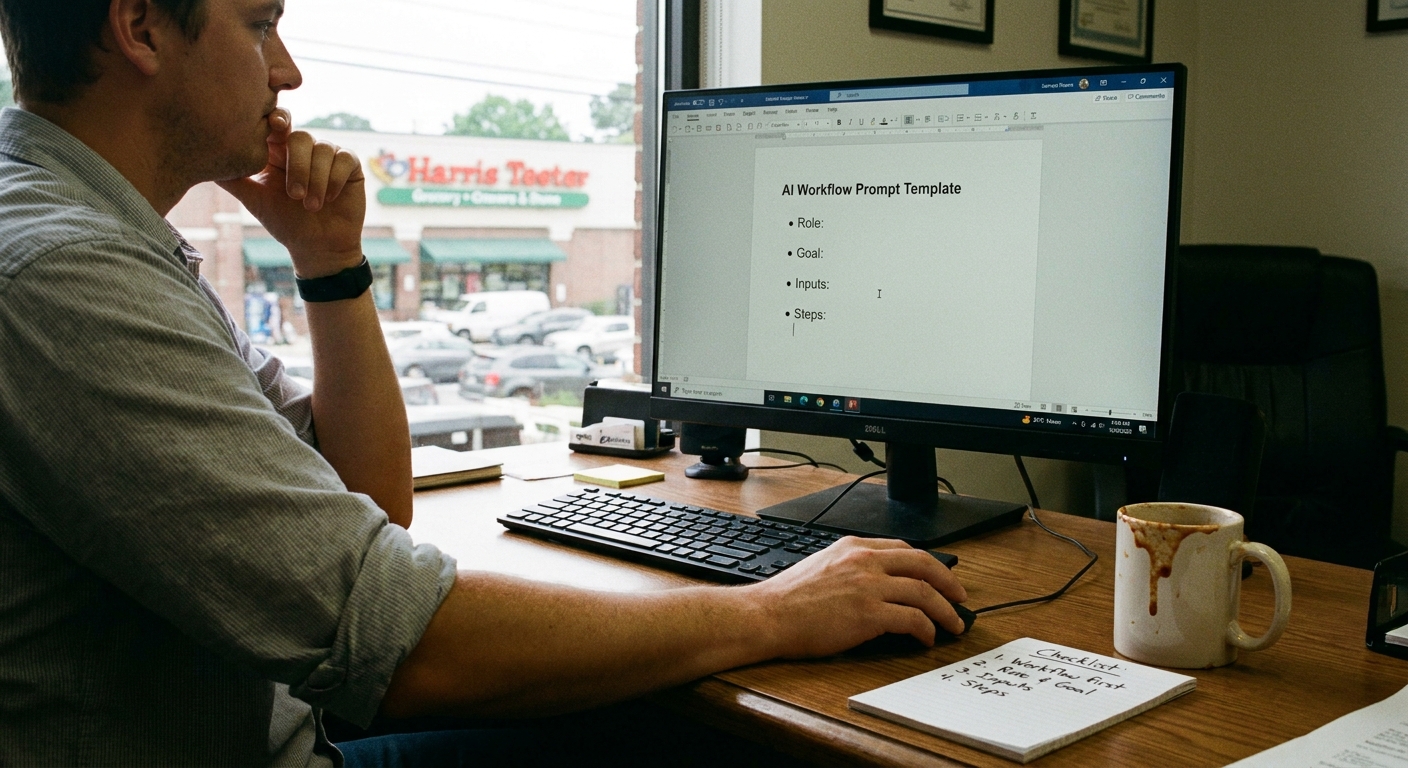
Let’s keep it simple. You don’t need a giant “AI strategy.” Start with one or two things that annoy you.
Ask yourself:
- Where do I repeat myself all day?
- Where do things fall through the cracks?
- What tasks feel important, but also kind of brainless?
Those spots are perfect for AI workflow automation for small business. A few starter ideas:
- Use AI to draft answers to common customer emails
- Add a simple chat widget to your website just for basic FAQs
- Set up automatic follow-ups for quotes, missed calls, or bookings
- Turn call notes into clean summaries you can send to clients
If I’m being honest, I don’t know everything, but I’ve seen enough to know this: small, boring automations beat big fancy “digital transformations” every single time for local shops.
The Honest Truth
Here’s where most people get stuck: they think if they use AI, they’ll lose the “Charleston feel.” That local, slow-down-and-chat vibe. The neighbor energy.
But here’s the twist. Most of the time, AI isn’t talking instead of you. It’s clearing the junk so you actually have more time to talk like a real human.
So when you hear someone ask how Charleston businesses are using AI, the answer isn’t “robots replacing everyone.” It’s usually:
- A salon texting reminders so people don’t no-show
- A handyman getting automatic job summaries after every visit
- A bakery drafting posts about the weekend menu without staring at a blank Instagram screen
- A little retail shop answering shipping questions while the owner is helping customers in person
The wild part is, when it’s done well, your customers barely notice the tech. They just feel like you’re on top of things.
Something to Think About
So here’s my low-pressure pitch: pick one annoying task and ask, “Could this be one of the business tasks you can automate with AI workflows?”
If the answer might be yes, test something tiny. Nothing huge. Nothing scary. Just one small automation.
And if it totally flops? You turn it off. No harm, no foul.
But if it works, you get a little piece of your day back. Maybe that’s an extra walk under the live oaks in Hampton Park. Or a few more minutes watching the sun drop behind the Ravenel Bridge instead of staring at your laptop.
And honestly, that’s the real win.